New
Automatic Model and Tool Selection
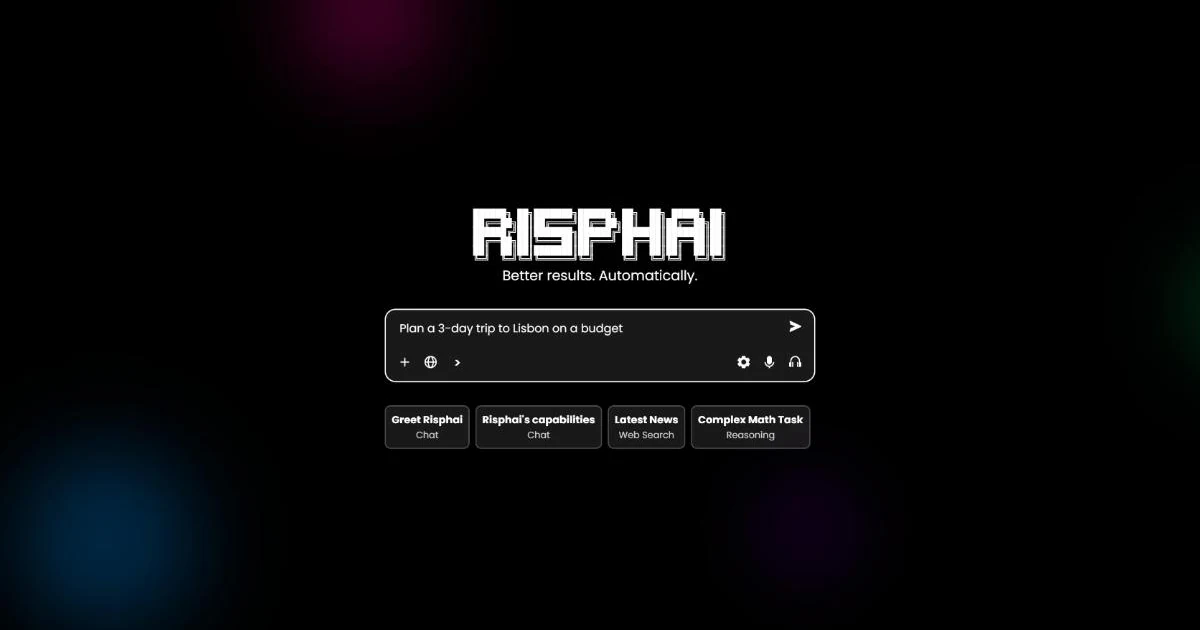
- Automatic choices — Risphai works out what kind of task you're asking for and picks a suitable model and tools based on the task and your settings.
- Better prompts for you — Adds instructions for the task and your preferences, so you don't need to write a detailed prompt.
- Formatted answers — Answers can include sources, files, images and other media.
Modes and Settings
- Simple mode — A clean chat box with uploads, dictation and voice mode, while models and tools are chosen for you.
- Advanced mode — Shows model selection, function, search, response length and Privacy Mode in the chat box.
- Quality presets — Cost Efficient, Fast, Balanced, Quality and Extreme Quality on paid plans. The free plan uses Balanced.
- Your choices — Force a type of task or change the response style at any time. Choosing a model requires a paid plan.
Chat, Writing and Research
- Chat — Answers with markdown, formulas and tables, personalized with your name and custom instructions if you want.
- Reasoning, writing and coding — Requests are sent to models suited to each type of task.
- Code — Preview HTML, CSS and JavaScript in the browser. Python can create or edit files for 1 credit per run.
- Web search — Quick Search answers with sources.
- Quick Research and Deep Research — Read several web pages and YouTube transcripts and combine them into an answer or report.
- Links and videos — Summarize web pages and YouTube videos that have transcripts.
Images, Video, Audio and Voice
- Images — Generate and edit images in different styles and aspect ratios.
- Video — Generate videos from text or from an image (paid plans).
- Music and sound effects — Generate songs of about three minutes and short sound effects (paid plans).
- Voice mode — Talk with Risphai in real time, with web search when needed (paid plans).
- Dictation and read-aloud — Dictate messages and listen to answers.
Organization
- Custom instructions — Tell the AI how to respond in every chat.
- Memories — Save facts the AI can use across chats. You can review, edit or turn them off.
- Prompts — Save reusable prompts and find them in the
/menu. - Projects — Group chats and files so the AI can use them as context.
- Scheduled tasks — Ask for a one-time reminder or a recurring task in chat, and each run creates a new conversation with the result.
- More — Diagrams, maps, quizzes, flashcards, editing and regenerating messages, and suggested follow-up questions.
Privacy
- Incognito mode — Keeps chats out of your normal history and doesn't use your profile, custom instructions or memories. Messages are still processed and kept temporarily.
- Privacy Mode — No Training on Data and Zero Data Retention for supported text models. See the Privacy Policy for what each option covers.
- Content checks — Messages and custom instructions are checked for policy violations.
Current models and prices are on the Information page.