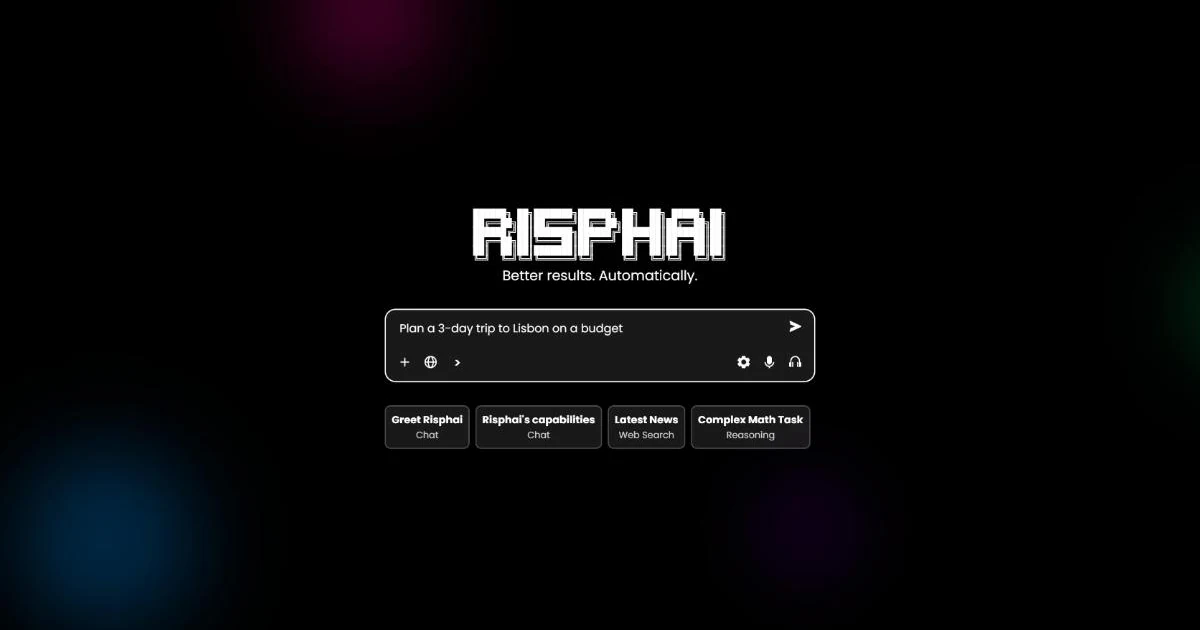
What Is Risphai? An AI Assistant That Chooses a Model for Each Request
Risphai chooses a suitable AI model and tools for each request and adds task instructions. How it works, what it can do and what the free plan includes.
By Risphai
Risphai is an AI assistant that chooses a suitable model and tools for each request and adds task-specific instructions, so you get good results without picking a model yourself.
Different AI models are good at different things. Some answer quickly, others are better at step-by-step reasoning, writing or code. Most chat apps either use one default model or leave the choice to you.
Risphai makes that choice for you. It reads your request, picks a model and tools that fit the task and your settings, and adds instructions for the task before sending it. You type normally, and you can still choose a model yourself on paid plans.
How Risphai Works
Every message goes through four steps in the background. You can expand the steps on an answer to see what Risphai did.
Understanding the request. Risphai reads your message and the recent conversation to work out what kind of task it is, for example a quick question, a math problem, research, code or an image.
Choosing a model and tools. It picks a suitable model and the tools the task needs, such as web search or image generation, based on the task and your settings.
Adding instructions. It adds task-specific instructions, relevant context and your preferences, so you don't have to write a detailed prompt.
Showing the result. You get a formatted answer that can include sources, files, images or other media, depending on the task.
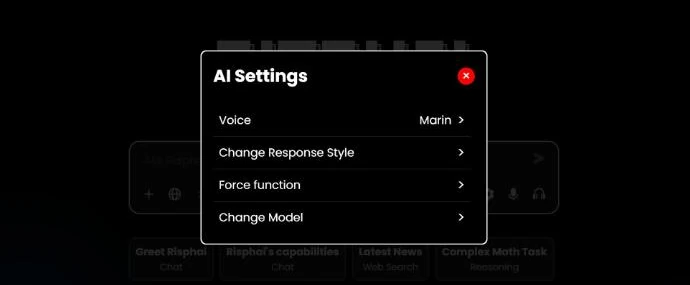
Automatic choices won't always match what you would pick. In Advanced mode, the AI Settings panel lets you force a type of task or change the response style yourself, and on paid plans you can also choose the model.
What You Can Do With Risphai
Chat and ask questions, with markdown, formulas and tables in the answers.
Work through harder problems like math and logic, using reasoning models.
Write stories, essays and emails.
Code. HTML, CSS and JavaScript can be previewed in the browser, and Python can create or edit files (1 credit per run).
Search the web and research. Quick Search answers with sources, while Quick Research and Deep Research read several pages before answering. Choosing the search level yourself needs Advanced mode.
Create images. Paid plans can also generate video, songs and sound effects.
Talk with voice mode on paid plans, or dictate messages and have answers read aloud.
Stay organized with Projects, saved prompts, Memories and scheduled tasks, like "Every Monday at 8 am, summarize this week's AI news."
Simple or Advanced Mode
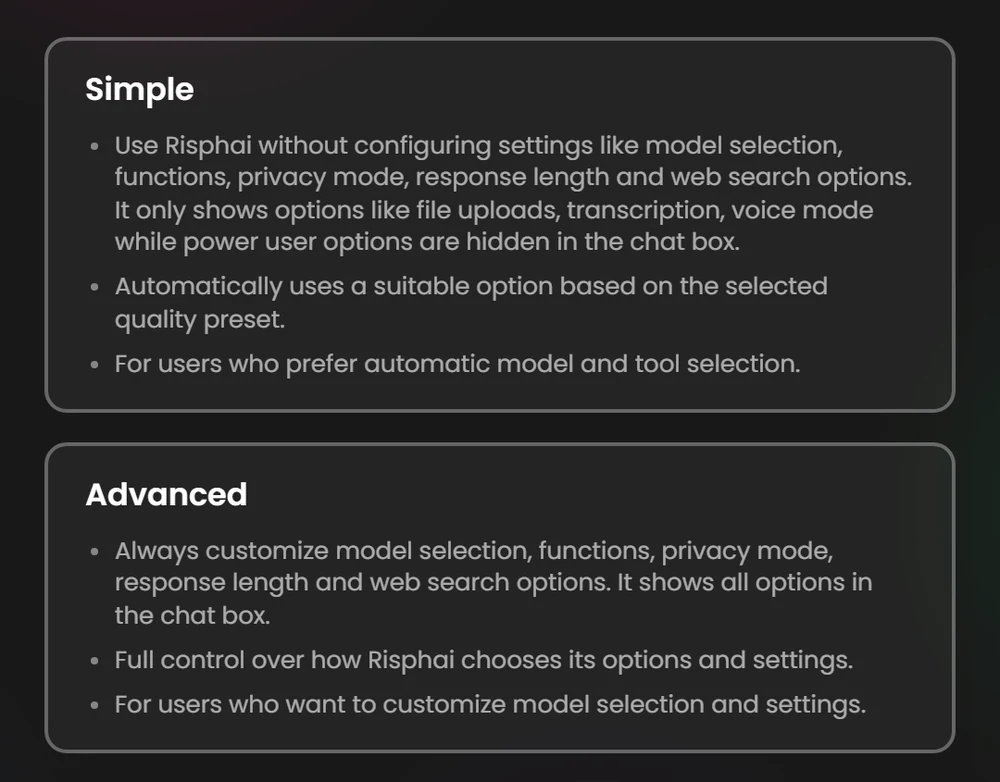
You choose a mode when you sign up and can switch later in Settings. Simple mode keeps the chat box clean and handles model and tool choices for you. Uploads, dictation, prompts and projects work in both modes. Advanced mode adds these settings to the chat box and the / menu:
Setting
What it does
Available in
Model selection
Choose the model for a type of task
Advanced modePaid plans
Quality preset
Cost Efficient, Fast, Balanced, Quality or Extreme Quality
Advanced modePaid plans
Function
Force Chat, Reasoning, Coding or Writing
Advanced mode
Search level
Quick Search, Quick Research, Deep Research or no search
Advanced mode
Response length and style
Auto, Short or Long answers and the response style
Advanced mode
Privacy Mode
No Training on Data or Zero Data Retention
Advanced mode
Quality presets guide which models are chosen automatically. The free plan uses Balanced. The Information page lists the current models and prices.
Privacy Controls
Incognito mode keeps chats out of your normal history and doesn't use your profile, custom instructions or memories. What you send is still processed and kept temporarily so the request can finish. Incognito doesn't make you anonymous.
Privacy ModeAdvanced mode applies to supported text models. No Training on Data uses services whose terms don't allow training on your requests, which doesn't mean nothing is stored. Zero Data Retention limits supported text models to services that don't store your content, though some temporary context and usage records can remain. Search, media, voice and required safety checks follow separate rules. The Privacy Policy explains the details.
Pricing
Free plan: 50 credits every month, text and image generation, no credit card needed.
Paid plans add more credits, video and audio generation, voice mode and model selection.
Credit use depends on the request. As a rough guide on the Balanced preset, a chat message is about 1 credit, a web search about 5 and an image about 7.5.
Current prices and limits are on the Pricing page.
Risphai is an AI assistant that chooses a suitable model and tools for each request and adds task-specific instructions before answering. You type normally, and chat, research, writing, coding and image generation all happen in one place.
Is Risphai free?
Yes. The Free plan includes 50 credits every month with text and image generation, and no credit card is needed. Paid plans add more credits, video and audio generation, voice mode and model selection. Current prices are on the Pricing page.
Which AI models does Risphai use?
Risphai chooses from model families such as GPT, Claude, Gemini, Grok, DeepSeek, Kimi and GLM. Which model answers depends on the task, your plan and your settings. The Information page lists the current models and prices.
Do I have to choose an AI model myself?
No. Risphai chooses a model for every request. If you want to choose yourself, switch to Advanced mode. Manual model selection is available on Paid plans.
What is the difference between Simple and Advanced mode?
Simple mode keeps the chat box clean and makes model and tool choices for you. Advanced mode adds model selection, quality presets, function, search level, response length and Privacy Mode to the chat box. You can switch at any time in Settings.
Can I stop AI providers from training on my requests?
Yes, for supported text models. In Advanced mode, set Privacy Mode to No Training on Data or Zero Data Retention. Search, media, voice and required safety checks follow separate rules. The Privacy Policy explains the details.
How is Risphai different from a single-model AI chatbot?
A single-model chatbot sends every request to the same model. Risphai picks a model and tools for each request from several providers and adds instructions for the task, so one chat can move from a quick question to research, code or an image.