Krea 3 Is Now on Risphai: Anime Image Generation and Image Editing
Krea 3 by Krea is now on Risphai. See anime images and an image edit made with Krea 3, which presets use it, what it costs and how to try it.
By Risphai
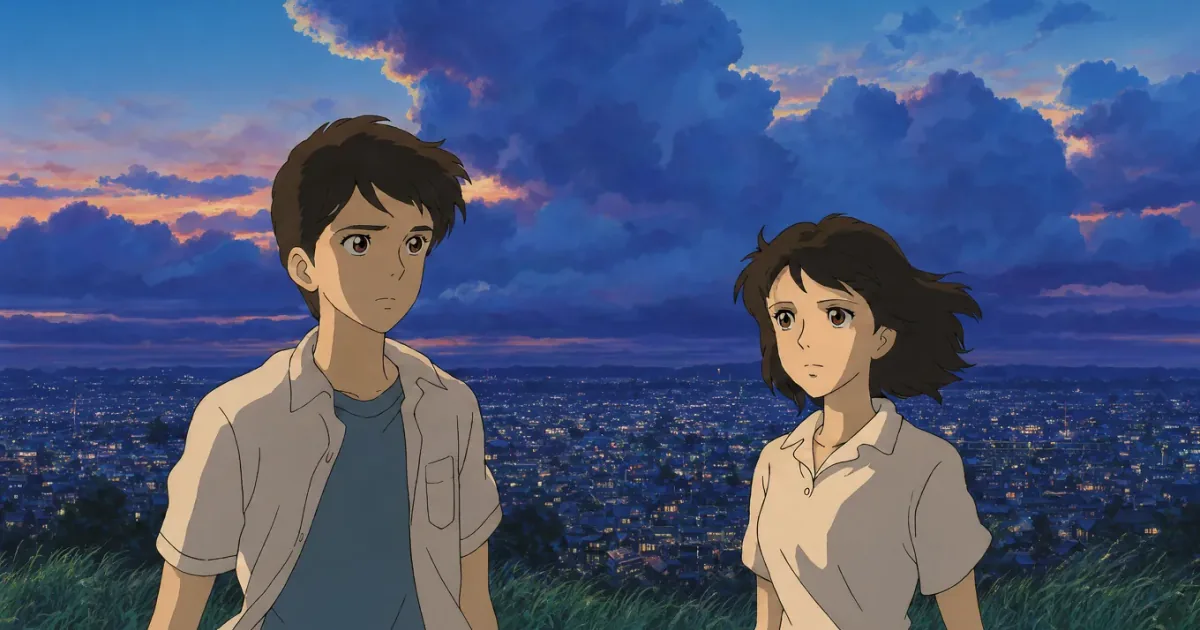
Generated with Krea 3: two friends on a grassy hilltop above the city lights at dusk.
Krea 3, the new image model from Krea, is now on Risphai. On paid plans, most anime image requests on the Balanced preset or higher, and most image edits on the Quality preset or higher, now go to Krea 3 automatically.
We added Krea 3 because it stood out when we generated anime images. In our tests it also handled image edits quickly and kept the details we asked it to keep, so it now powers most image editing on the higher presets as well. Krea 3 runs on Risphai through fal.
Krea 3 Anime Examples
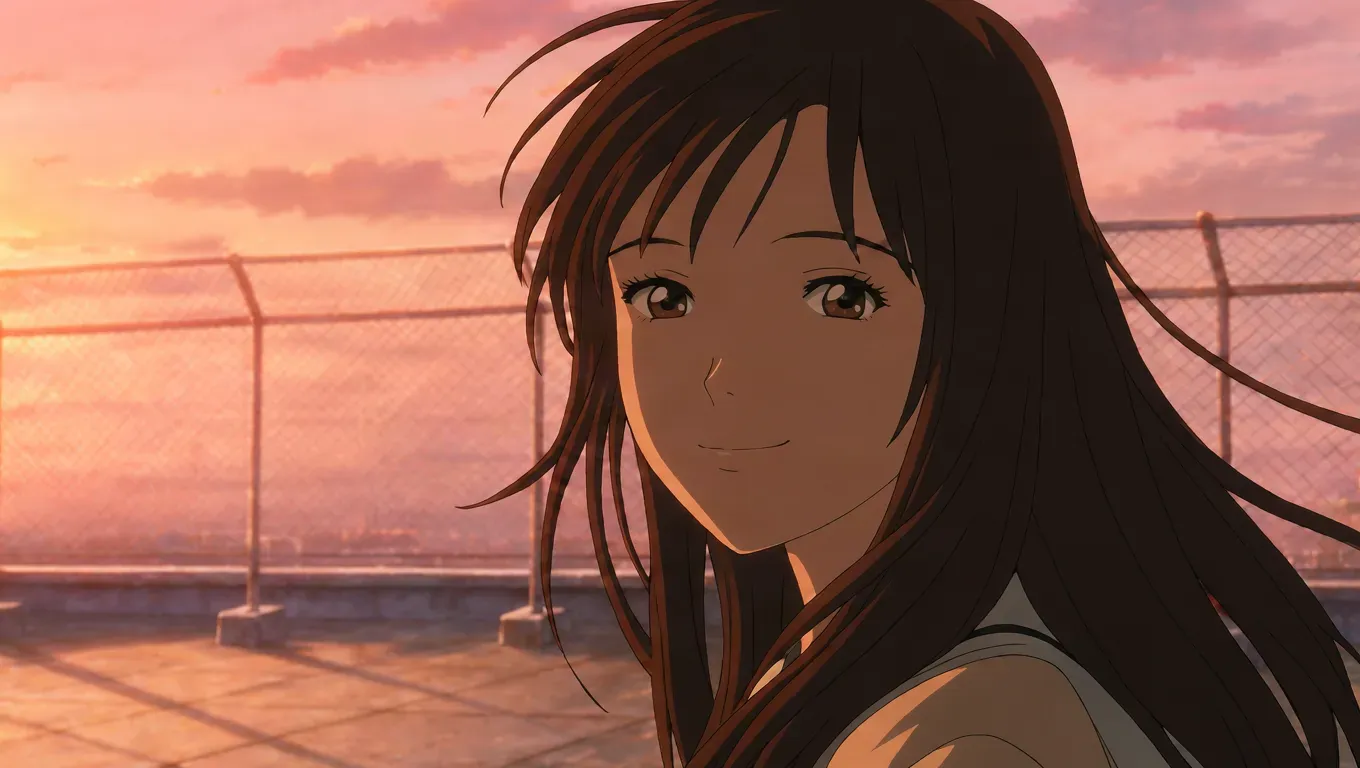
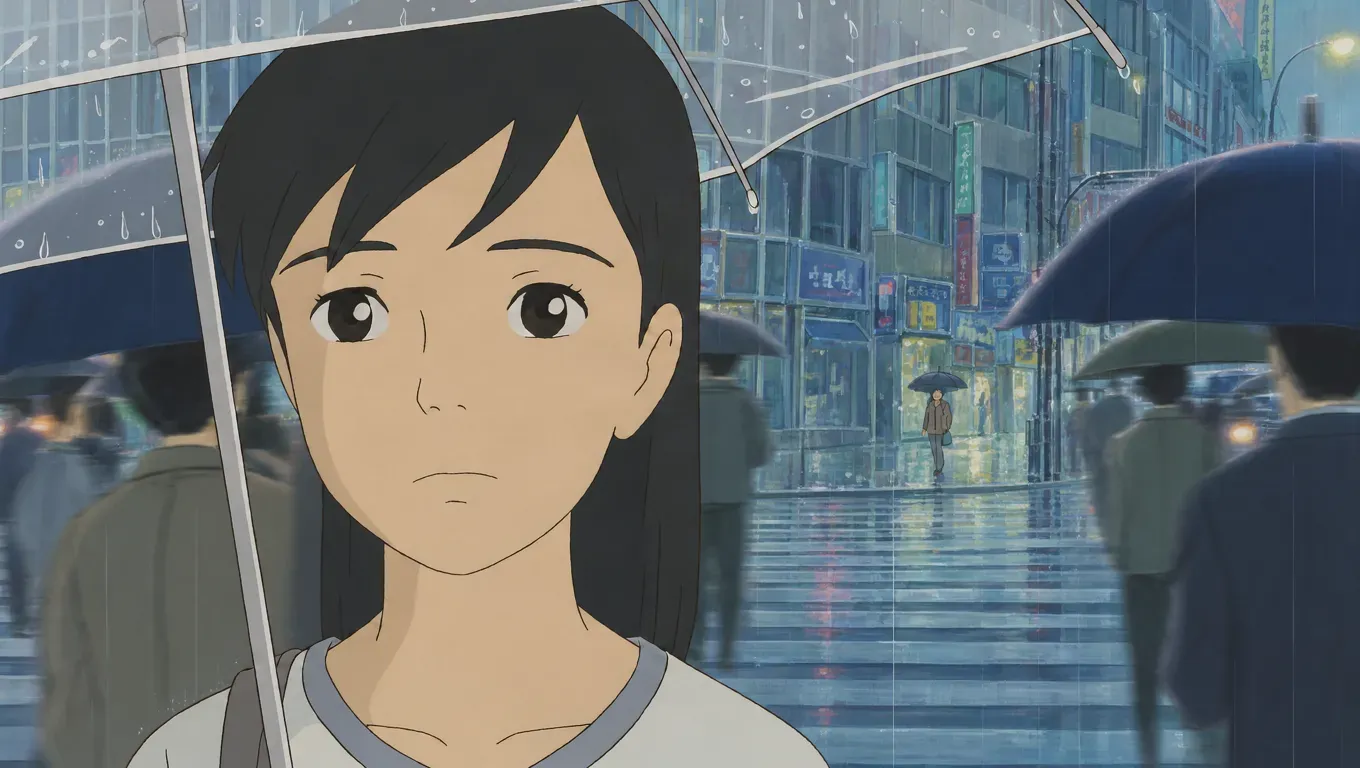
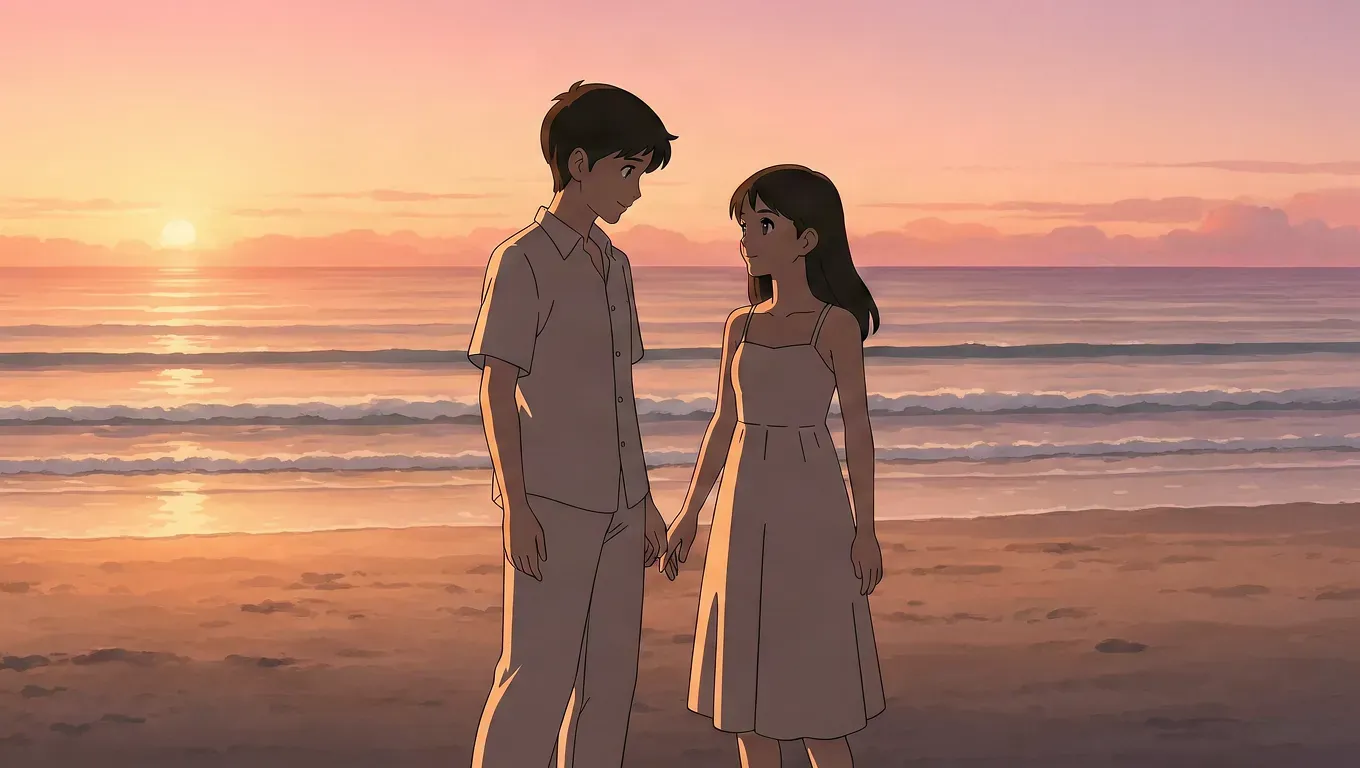
These images were generated with Krea 3. Risphai turns a short request into a detailed prompt with the scene, lighting and shot type, so you can simply ask for the anime image you want.
Generated with Krea 3: a girl smiling on a rooftop at sunset, her hair in the wind.Generated with Krea 3: a girl under a clear umbrella on a rainy city crosswalk.Generated with Krea 3: a couple holding hands on the beach at sunset.
Image Editing With Krea 3
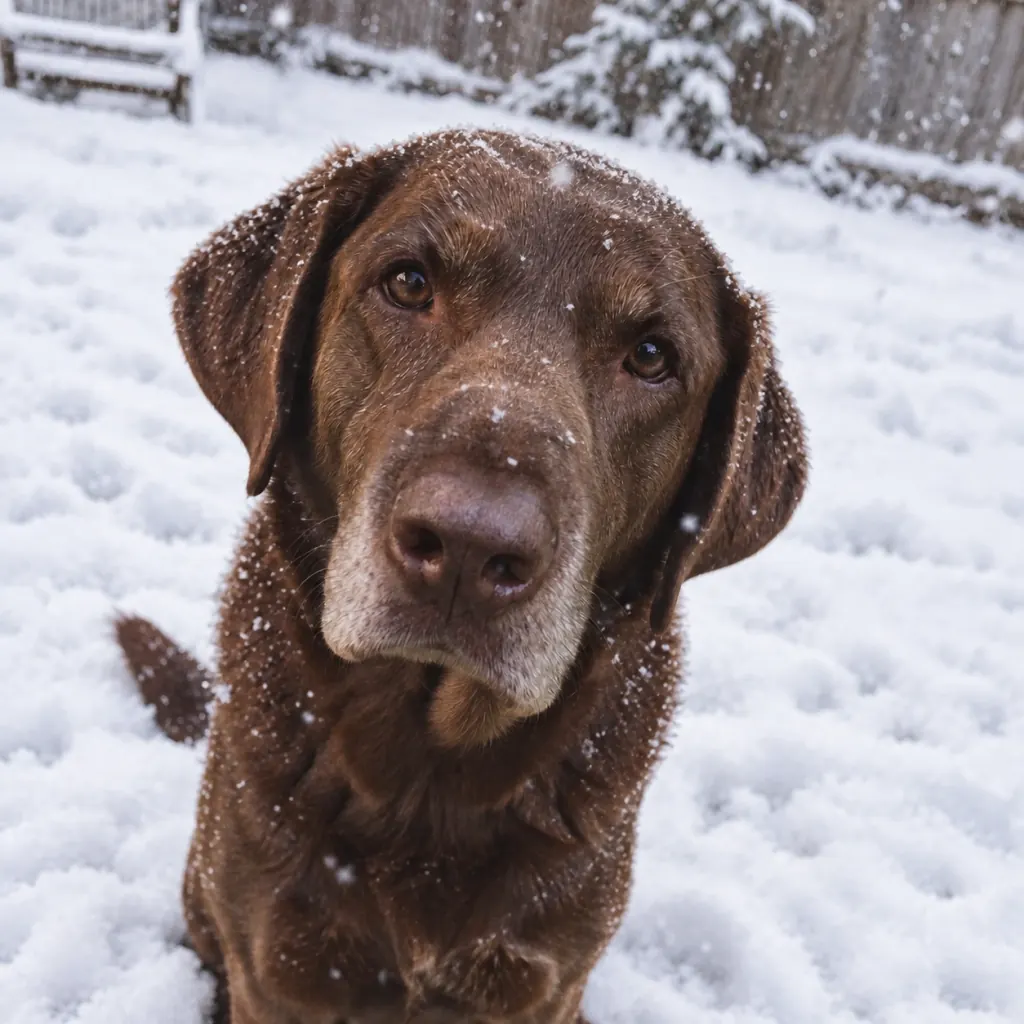
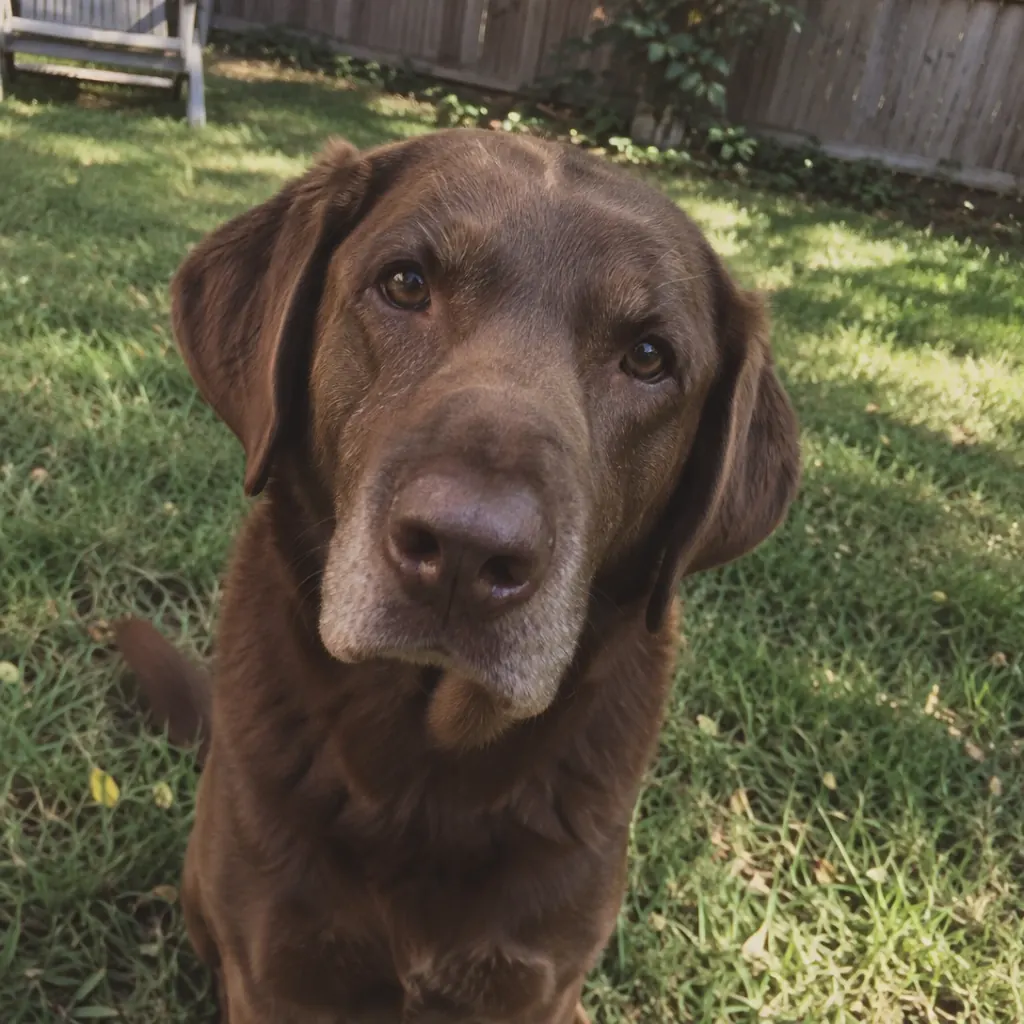
Krea 3 can also change an image you already have. Upload a photo, describe what should change and Krea 3 keeps the rest of the scene. Drag the slider to compare the original photo with the edit.
OriginalKrea 3 edit
Original photo (left) and the same photo edited with Krea 3 into a snowy garden (right).
A single edit can use up to eight images, for example to put a person from one photo into the scene of another. The edited image is about one megapixel and usually keeps the aspect ratio of your source image.
Where Risphai Uses Krea 3
Risphai picks a model for each request based on the task and your quality preset. Here is where Krea 3 is now the default:
Request
Cost Efficient
Fast
Balanced
Quality
Extreme Quality
Anime images
Other model
Other model
Krea 3
Krea 3
Krea 3
Image editing
Other model
Other model
Other model
Krea 3
Krea 3
Quality presets are available on Paid plans. The Free plan uses Cost Efficient.
A few things decide whether a request uses Krea 3:
Anime style. Risphai works out the style of your image request. Anime requests go to Krea 3 on these presets, while photos and other styles keep using the regular image model.
Fallbacks. If Krea 3 is unavailable or your balance doesn't cover it, Risphai uses another image model so the request can still finish.
Your own choice. In Advanced mode on Paid plans, you can choose Krea 3 for images, anime and image editing at any time.
Pick a preset. Use Balanced or higher for anime images and Quality or higher for image editing. In Advanced mode, open the settings in the chat box to change the preset.
Ask for an image. Type something like "An anime scene of two friends on a hilltop above the city at dusk."
Or edit a photo. Attach one or more images with + and describe the change, such as "Make it a snowy winter day."
To always use Krea 3, switch to Advanced mode and select it as the model for images, anime or image editing.
Prompts to Try
These short requests work well as a starting point. Risphai adds the details before sending them to Krea 3.
"An anime girl reading in a train carriage on a rainy evening, warm interior light."
"Anime style, a small seaside town at sunrise with fishing boats in the harbor."
"A vertical anime poster of a cyclist racing down a mountain road in autumn."
"Turn this photo into a cozy autumn scene with falling leaves." (with an uploaded photo)
Krea 3 Pricing on Risphai
Krea 3 uses a fixed price per image:
Request
Krea 3 cost
Generate an image (square, horizontal or vertical)
12.5 credits
Edit with one source image
25 credits
Edit with eight source images
112.5 credits
Each source image in an edit adds 12.5 credits, up to eight images. Generated images are about one megapixel: 1024×1024 for square, 1360×768 for horizontal and 768×1360 for vertical images.
Like every response, the total also includes the small cost of choosing the model and writing the prompt, plus the processing charge described in the Terms. The exact credits are shown for each response, and current prices are on the Information page.
Privacy
Krea 3 requests are processed by fal. Risphai sends them with fal's option not to store request and response payloads, and generated files at fal expire after one hour. fal may pass the content needed for the request to Krea. Image generation and editing aren't covered by Zero Data Retention. The Privacy Policy explains which providers receive your data.
Try Krea 3
Krea 3 is live on Risphai now. Upgrade on the Pricing page, ask for an anime image or upload a photo to edit, and Risphai handles the model and the prompt for you. All changes in this release are in the v0.1.1 release notes.
Frequently Asked Questions
What is Krea 3?
Krea 3 is an image generation and image editing model made by Krea. On Risphai it runs through fal and can create images from text or edit images you upload.
How do I use Krea 3 on Risphai?
On a paid plan, use the Balanced, Quality or Extreme Quality preset and ask for an anime image, or use the Quality or Extreme Quality preset and upload an image to edit. Risphai routes most of these requests to Krea 3 automatically. In Advanced mode you can also choose Krea 3 yourself for images, anime and image editing.
Can I use Krea 3 for free?
The Free plan uses the Cost Efficient preset, which uses a different image model by default, and choosing a model yourself requires a paid plan. To use Krea 3, upgrade on the Pricing page.
How much does Krea 3 cost on Risphai?
Krea 3 costs 12.5 credits per generated image. An edit costs 12.5 credits for the result plus 12.5 credits for each source image, up to eight. Like every response, the total also includes Risphai's routing and processing charge, and the exact credits are shown for each response.
Can Krea 3 edit images?
Yes. Upload a photo or use an image from the chat and describe the change, for example a different season, style or background. Krea 3 can use up to eight images in one edit, and the result usually keeps the aspect ratio of your source image.
What image sizes does Krea 3 create on Risphai?
Generated images are about one megapixel: 1024×1024 for square, 1360×768 for horizontal and 768×1360 for vertical images. Edits are also about one megapixel and usually keep the aspect ratio of the source image.
Is Krea 3 covered by Zero Data Retention?
No. Zero Data Retention applies to supported text models. Krea 3 requests are processed by fal without storing request and response payloads, generated files at fal expire after one hour, and fal may pass the content needed to Krea. The Privacy Policy has the details.