Claude Sonnet 5.5 vs Kimi K3.1 Pro side by side
| Spec | Claude Sonnet 5.5 | Kimi K3.1 Pro |
|---|---|---|
| Company | Anthropic | Moonshot |
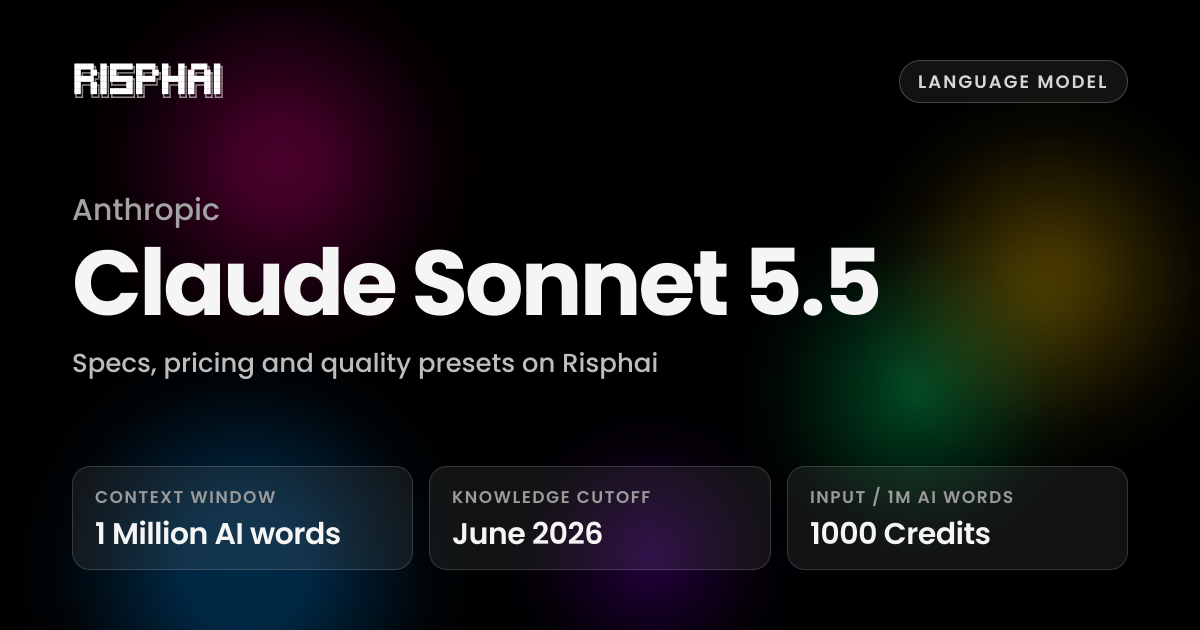
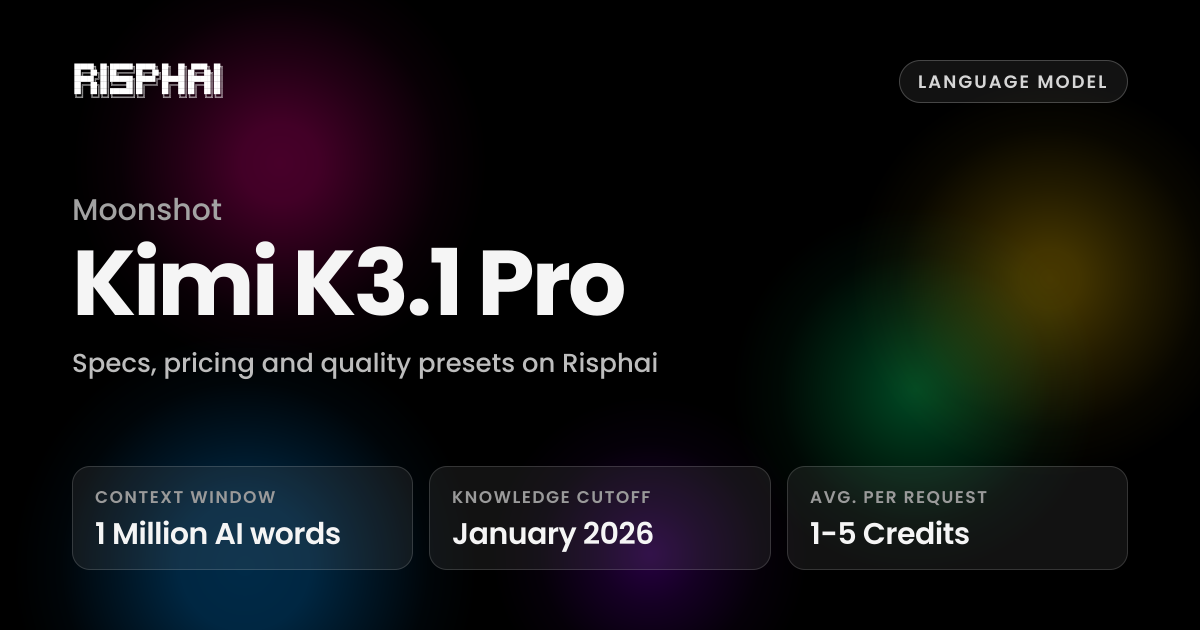
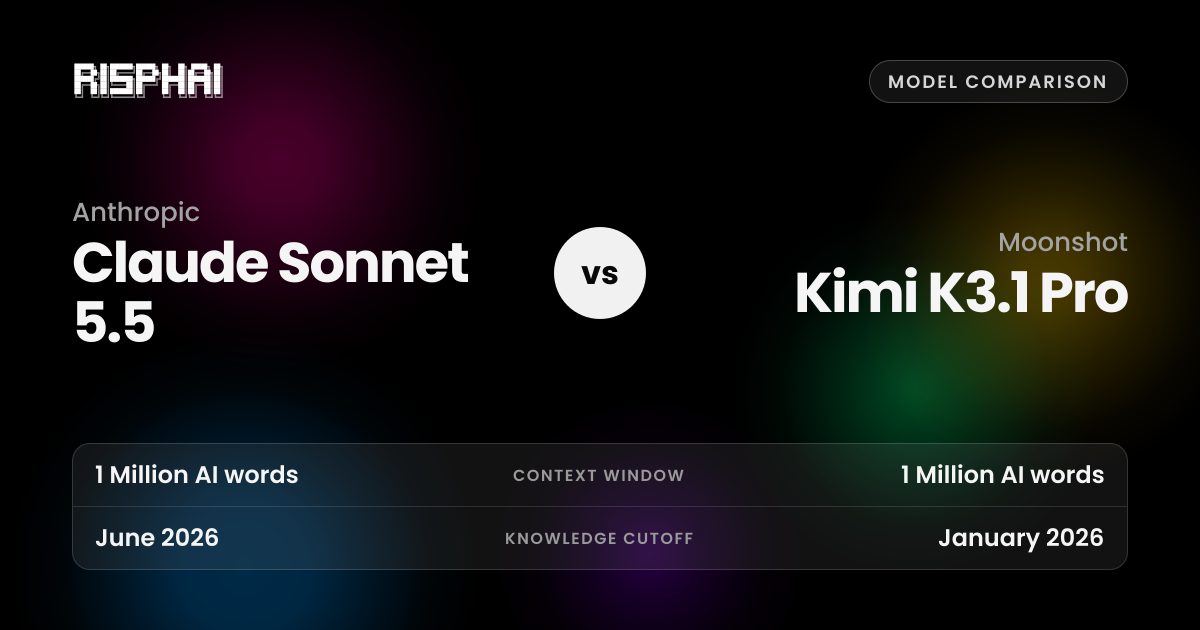
| Knowledge cutoff | June 2026 | January 2026 |
| Context window | 1 Million AI words | 1 Million AI words |
| Maximum output | 128K AI words | Not listed |
| Vision | Yes | Yes |
| Reasoning effort | Low, Medium, High, Extra High, Max | Low, High, Max |
| Available for | Chat, Reasoning, Writing, Coding | Function Calling, Chat, Reasoning, Writing, Coding |
| Price | Input (per 1 million AI words): 1000 Credits; Output (per 1 million AI words): 5000 Credits | Average per request: 1-5 Credits |
| Default in quality presets | None | Balanced, Quality |
| Plan | Lite and up, or pay-as-you-go credits | Lite and up, or pay-as-you-go credits |
Pricing on Risphai
Both models are billed in credits on Risphai. These are the current rates for each variant.
Claude Sonnet 5.5
Claude Sonnet 5.5
| Input (per 1 million AI words) | 1000 Credits |
|---|---|
| Output (per 1 million AI words) | 5000 Credits |
Claude Sonnet 5.5 Thinking
| Input (per 1 million AI words) | 1000 Credits |
|---|---|
| Output (per 1 million AI words) | 5000 Credits |
Each completed response also includes a processing charge: generation cost + 0.1 credit + 10%. Actual credit use can be higher when explicit paid prompt caching applies on that request.
Kimi K3.1 Pro
Kimi K3.1 Pro Thinking
| Average per request | 1-5 Credits |
|---|
Average range. Per-request cost can be lower or higher depending on the compute used.
Each completed response also includes a processing charge: generation cost + 0.1 credit + 10%. Actual credit use can be higher when explicit paid prompt caching applies on that request.
Quality presets
Claude Sonnet 5.5
No quality preset uses Claude Sonnet 5.5 by default. You can still select it yourself in Advanced mode.
Kimi K3.1 Pro
| Quality preset | Used for | Model |
|---|---|---|
| Balanced | Chat | Kimi K3.1 Pro Thinking (Low) |
| Writing | Kimi K3.1 Pro Thinking (Low) | |
| Quality | Chat | Kimi K3.1 Pro Thinking (Low) |
| Writing | Kimi K3.1 Pro Thinking (Low) |
On the Free plan, Risphai uses the Cost efficient preset. With a paid plan or pay-as-you-go credits you can switch presets, choose models yourself and set your selection as the default.
Try Claude Sonnet 5.5 and Kimi K3.1 Pro on Risphai
You do not have to pick just one. Risphai lets you switch between both models in the same chat, so you can send the same prompt to each and keep the better answer.
- Sign up or sign in to Risphai.
- Switch to Advanced mode in Settings.
- Click the settings icon in the chat box and choose Claude Sonnet 5.5 or Kimi K3.1 Pro for chat, reasoning, writing, coding and function calling.
- Send your message. You can switch models or apply a quality preset at any time.
- Choosing models needs the Lite, Standard or Premium plan, or pay-as-you-go credits. Compare plans.