GPT Image 2.6 Is Now on Risphai: How Fast It Is and What It Costs
GPT Image 2.6 by OpenAI is now on Risphai. See example images, about how long each image takes, how many credits it uses and how to try it for free.
By Risphai
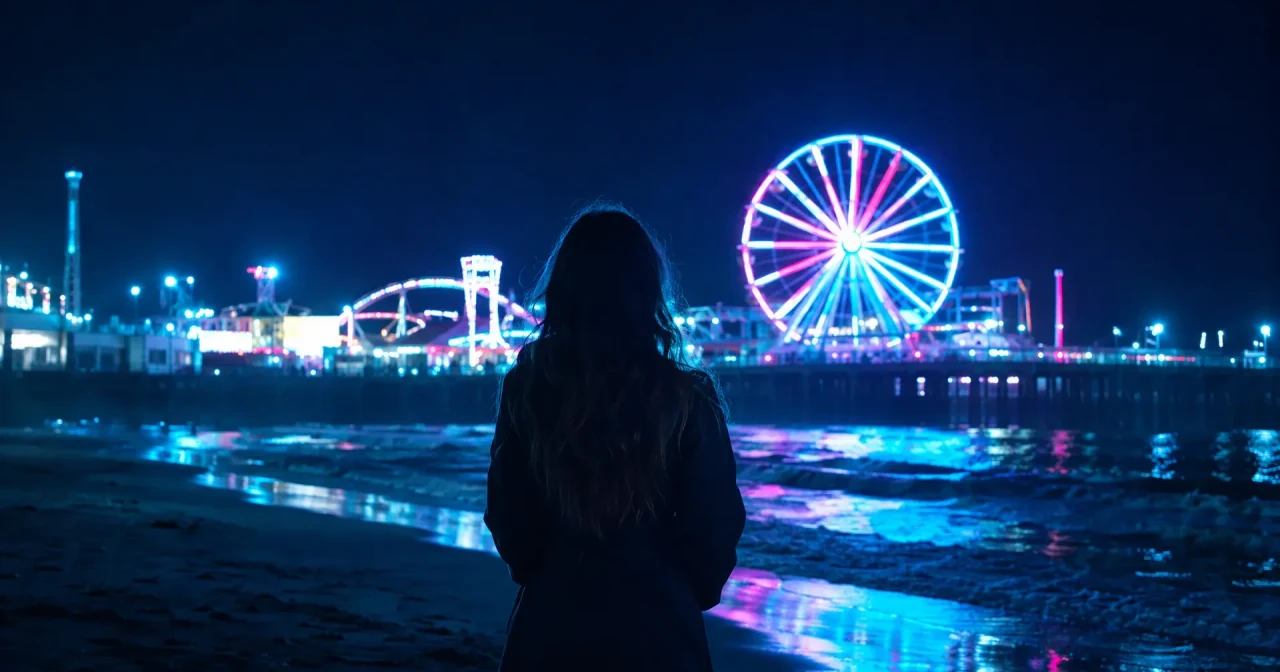
Made with GPT Image 2.6. This scene isn't real.
GPT Image 2.6, OpenAI's newest image model, is now on Risphai, and you can try it for free. Describe a picture in plain words, and you'll usually have it in under a minute. Here's what it looks like, about how long it takes and what it costs.
Looking for a photo AI gen that's quick and easy to use? You don't need to write a long prompt. Risphai takes care of the details.
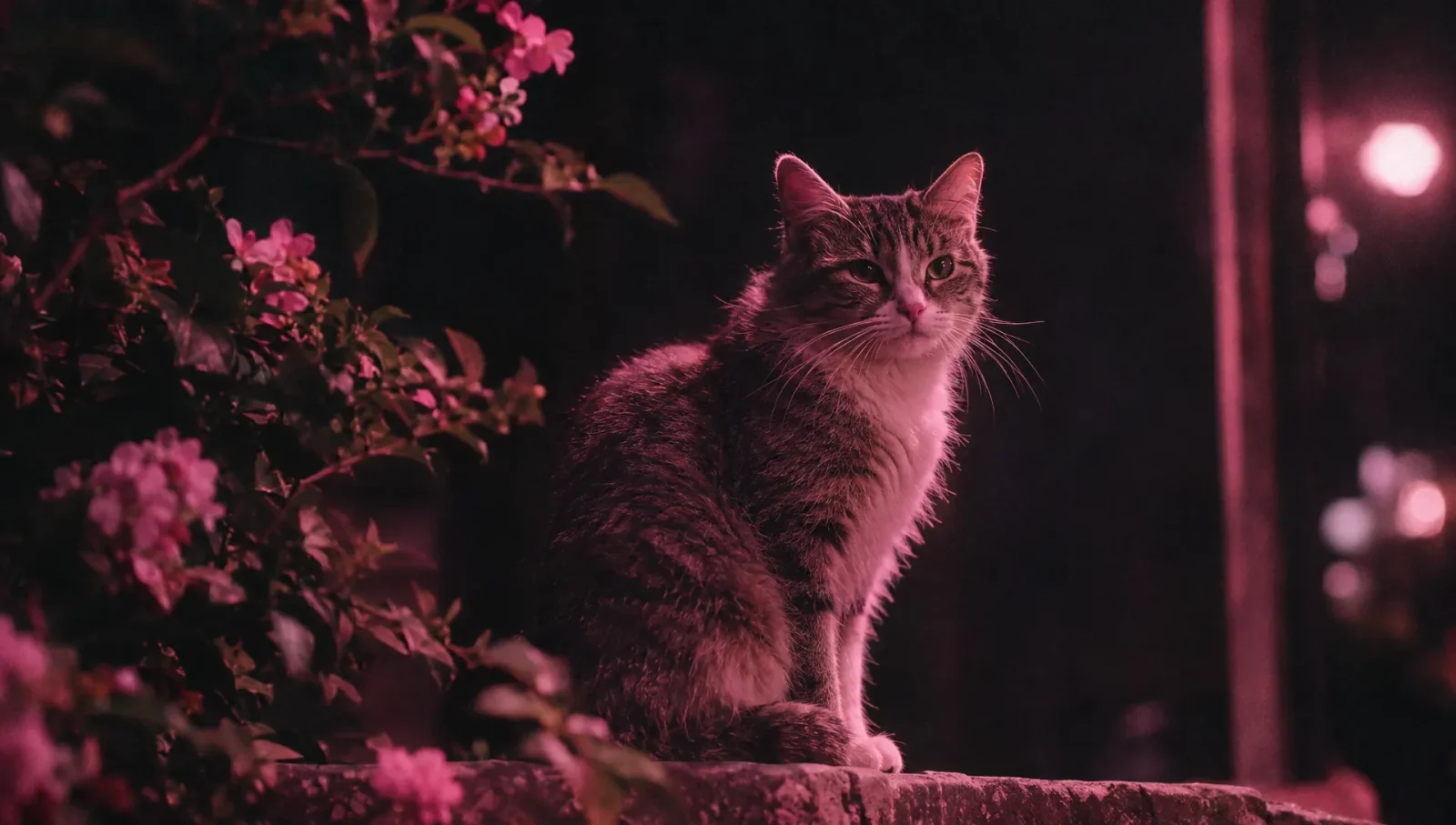
Made with GPT Image 2.6. This cat isn't real.
How Long Does It Take?
Higher quality takes longer. These are rough times from our own tests for making the image itself:
Quality
About how long
Low
10 to 20 seconds
Medium
20 seconds
High
30 to 60 seconds
XHigh
1 minute
Max
2 minutes
These times are for GPT Image 2.6 Sunburst, the version with more detail. The faster version, Flare, took about 10 seconds at Low, Medium and High in our tests. In a chat it can take a little longer, and times vary with your request and how busy the service is.
OpenAI says GPT Image 2.6 makes images 50% faster than before.
How Many Credits Does It Use?
Quality
Wide or vertical image
Square image
Low
About 10 credits
About 14 credits
Medium
About 19 credits
About 25 credits
High
About 22 credits
About 30 credits
XHigh
About 39 credits
About 54 credits
Max
About 88 credits
About 121 credits
These estimates include the processing charge. Your request can add a little more, and editing an image usually uses more. You always see the exact credits for each image.
Your preset chooses the quality for you. Cost Efficient and Fast use Low, Balanced uses Medium, Quality uses High and Extreme Quality uses Max. The Free plan uses Cost Efficient.
Both images in this article were made by AI, and we only resized and cropped them for this page. AI images can contain mistakes, so check yours before you use them. Please use AI images fairly: Risphai's Terms don't allow impersonating anyone or deceiving or harming others. OpenAI and GPT Image are the names of their owner, and Risphai isn't affiliated with or endorsed by OpenAI.
Try GPT Image 2.6
GPT Image 2.6 is live on Risphai now. Start on the Free plan, or choose a paid plan on the Pricing page for higher quality images. See everything new in the v0.1.10 release notes.
Frequently Asked Questions
What is GPT Image 2.6?
GPT Image 2.6 is OpenAI's newest AI image model, released on November 4, 2026. It makes images from a description and can edit images you already have.
How long does GPT Image 2.6 take to make an image?
In our tests, the image itself took about 10 to 20 seconds at Low quality, about 30 to 60 seconds at High and about 2 minutes at Max. The faster Flare version took about 10 seconds. In a chat it can take a little longer, and times vary.
How many credits does an image use?
About 10 to 14 credits at Low, 19 to 25 at Medium, 22 to 30 at High, 39 to 54 at XHigh and 88 to 121 at Max, depending on the shape of the image. You always see the exact credits for each image.
Can I use GPT Image 2.6 for free?
Yes. The Free plan includes 100 credits every month and makes images with GPT Image 2.6 at Low quality. Higher quality needs a paid plan or Pay As You Go credits.
Can GPT Image 2.6 make anime images?
Yes. On the Balanced preset and higher, Risphai usually uses a different model for anime, so choose GPT Image 2.6 yourself in Advanced mode to use it. Advanced mode needs a paid plan or Pay As You Go credits.
Can I use the images I make commercially?
Risphai doesn't claim ownership of what you create. Under the Terms and the terms of the underlying AI providers, you may use your creations for personal or commercial purposes. Results aren't guaranteed to be unique, and you are responsible for rights in any third-party material, likenesses or trademarks they contain.
Can I make AI photos of real people?
Risphai's Terms don't allow using it to impersonate someone, to unlawfully imitate a person's likeness or voice, or to use synthetic media to deceive or harm others. Create fictional people, or only use a real person's likeness where you have the right to.
gpt image 2.6gpt-image-2.6gpt image 2.6 sunburstgpt image 2.6 flarephoto ai genai photo generatorai image generatorrealistic ai photoscinematic ai imagesai anime generatoropenaiimage generation