Flux 3 specs
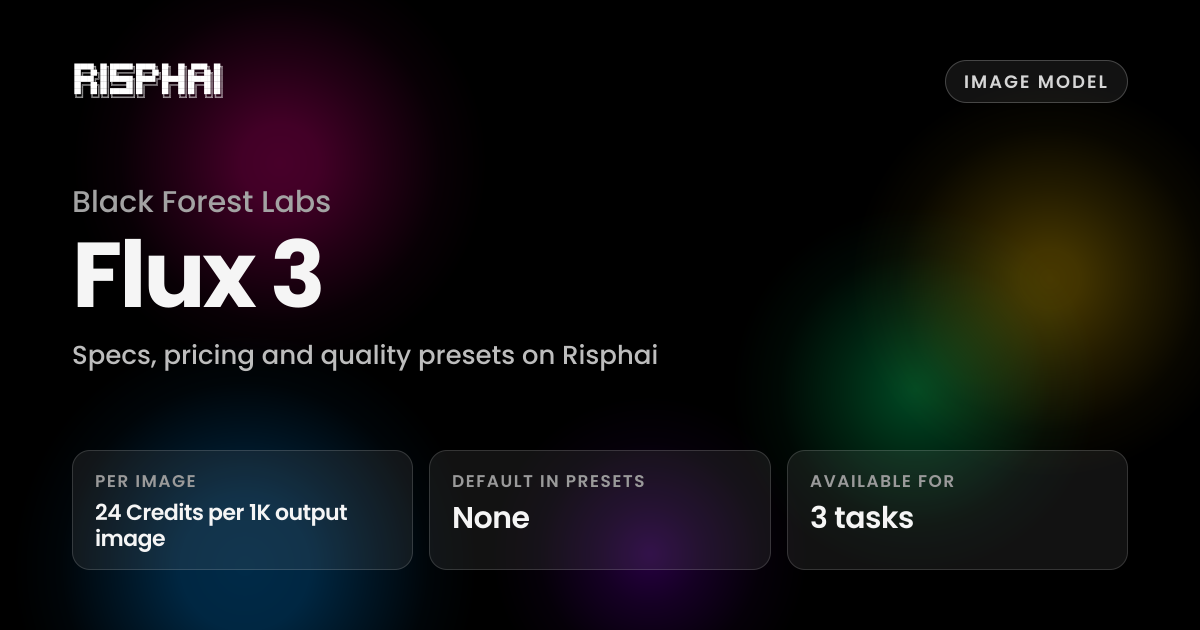
| Company | Black Forest Labs |
|---|---|
| Type | Image model |
| Available for | Image Generation, Anime, Image Editing |
| Plan | Lite and up, or pay-as-you-go credits |
Flux 3 pricing on Risphai
Risphai bills Flux 3 in credits, so you only pay for what you use. These are the current rates for each variant.
Flux 3
| Price (per image) | 24 Credits per 1K output image + up to 24 credits per input image (up to 10) |
|---|
Each completed response also includes a processing charge: generation cost + 0.1 credit + 10%. Actual credit use can be higher when explicit paid prompt caching applies on that request.
Quality presets that use Flux 3
No quality preset uses Flux 3 by default. You can still select it yourself in Advanced mode.
On the Free plan, Risphai uses the Cost efficient preset. With a paid plan or pay-as-you-go credits you can switch presets, choose models yourself and set your selection as the default.
How to use Flux 3 on Risphai
- Sign up or sign in to Risphai.
- Switch to Advanced mode in Settings.
- Click the settings icon in the chat box and choose Flux 3 for image generation, anime and image editing.
- Send your message. You can switch models or apply a quality preset at any time.
- Choosing models needs the Lite, Standard or Premium plan, or pay-as-you-go credits. Compare plans.