Risphai Media Generation: AI Images, Videos and Music in One Chat
Make AI images, videos, music and sound effects in one chat with GPT Image 2.6, Nano Banana 2.1, Flux 3, MiniMax H3 Max, Flux 3 Max and Lyria 3.5.
By Risphai·Updated
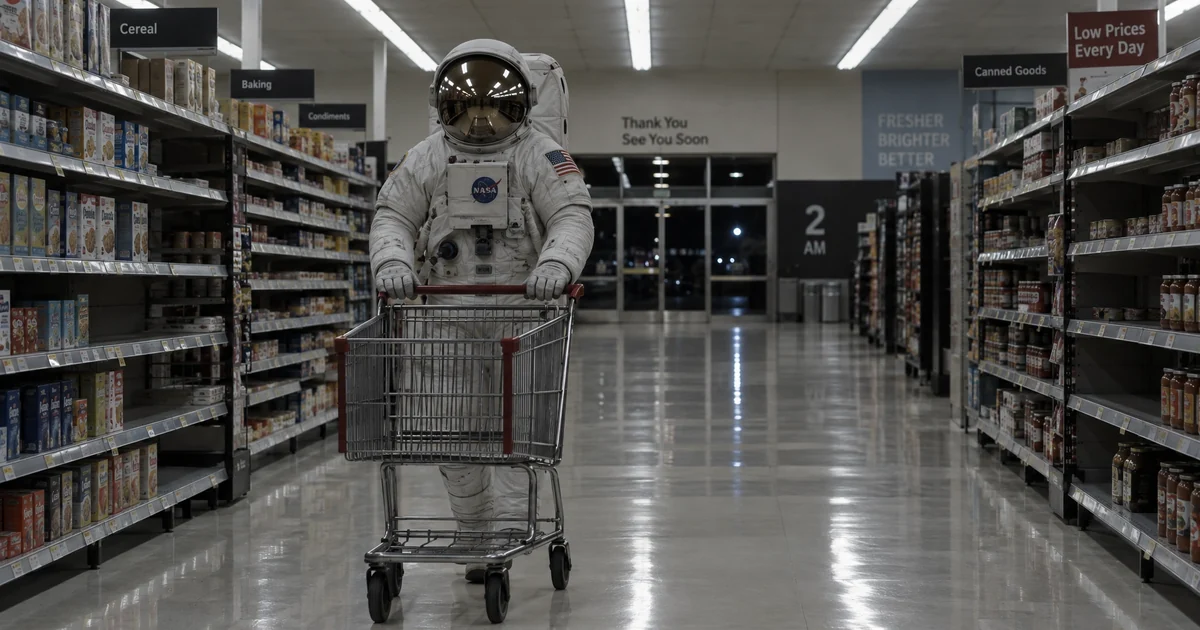
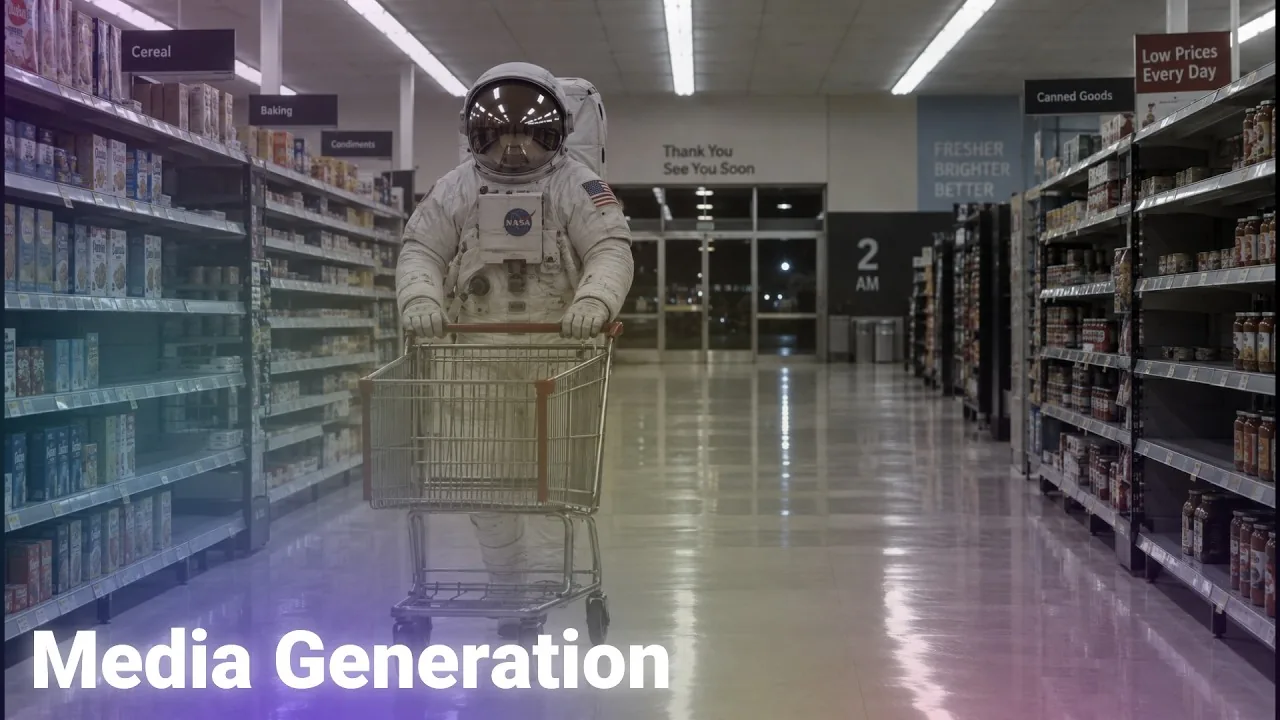
An astronaut doing the weekly shop. Made in Risphai.
Risphai makes images, videos, music and sound effects in the same chat where you write and research. Describe what you want, and Risphai picks a suitable AI model, adds the details that model needs and gives you the result. No separate apps, no separate subscriptions and no prompt engineering.
Behind that one chat box are some of the best-known media models: GPT Image 2.6, Nano Banana 2.1, Grok Imagine 2.0, Krea 3 and Flux 3 for images, MiniMax H3 Max, Flux 3 Max, Gemini Omni Flash 1.2 and Grok Imagine Video 1.5 for video, and Lyria 3.5 and ElevenLabs for music and sound. Here's what each part can do, with real examples made in Risphai.
MiniMax H3 Max, MiniMax H3 Max Turbo, Flux 3 Max, Gemini Omni Flash 1.2, Grok Imagine Video 1.5
Paid and Pay As You Go
Music
Songs of about one or three minutes
Lyria 3.5
Paid and Pay As You Go
Sound effects
Sound effects of up to 30 seconds
ElevenLabs SFX v3
Paid and Pay As You Go
On the Free plan, Risphai uses the Cost Efficient preset, which makes images with its default image model. On a paid plan, you get higher quality presets and can choose any of the models above yourself in Advanced mode.
AI Image Generator
Ask for an image the way you'd describe it to a friend: a photo, a poster, an anime scene, a product shot or a logo idea. Risphai turns your words into a detailed prompt and sends it to an image model that suits the request and your quality preset.
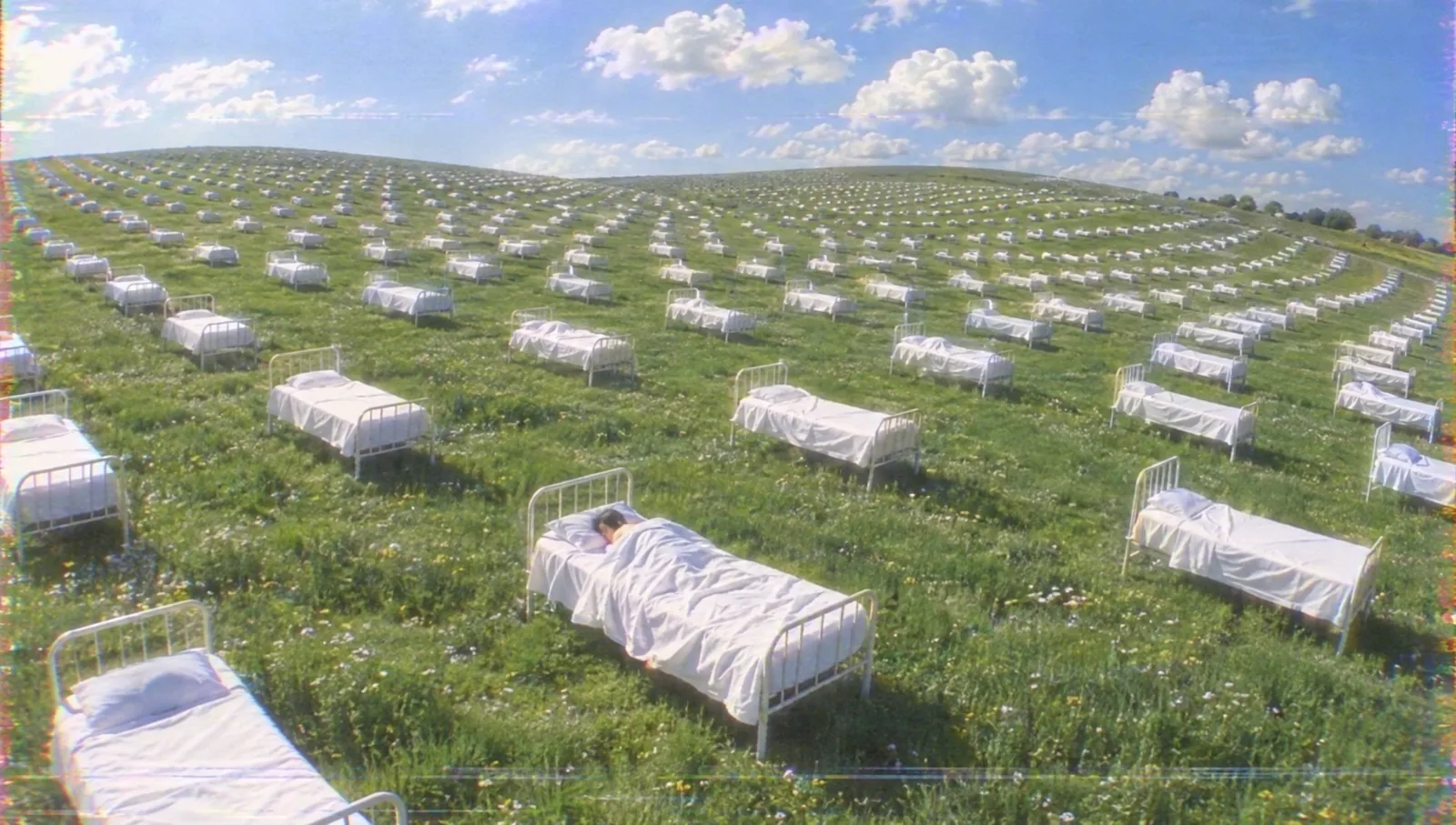
Rows of empty beds across green hills, with one person fast asleep. Made in Risphai.
The image models on Risphai:
GPT Image 2.6 by OpenAI, in the Sunburst and Flare versions.
All of them can also edit images. You don't need to know which one to pick: Risphai chooses for you, and on a paid plan you can choose yourself.
A few more images made in Risphai, from photoreal to anime:
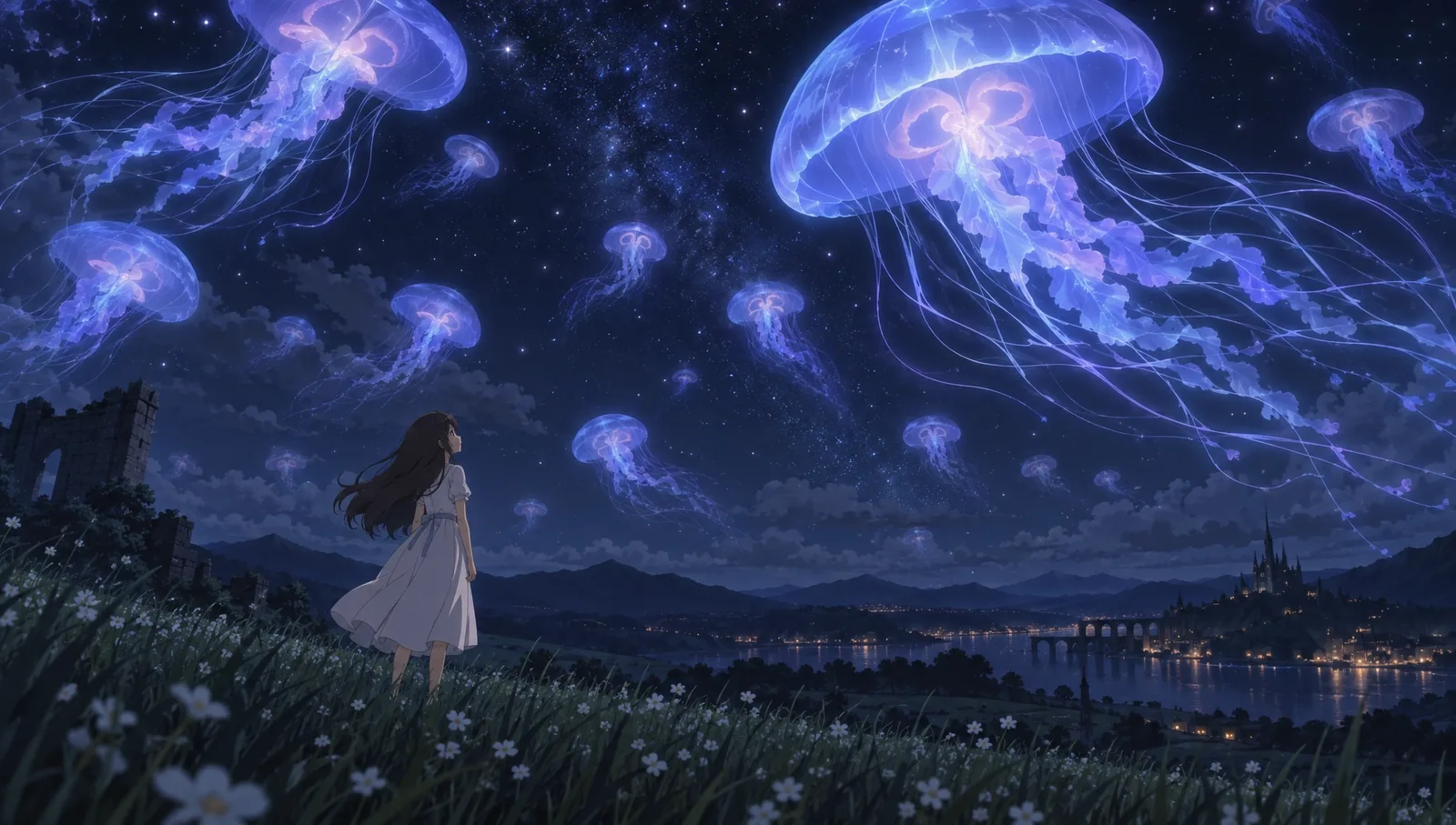
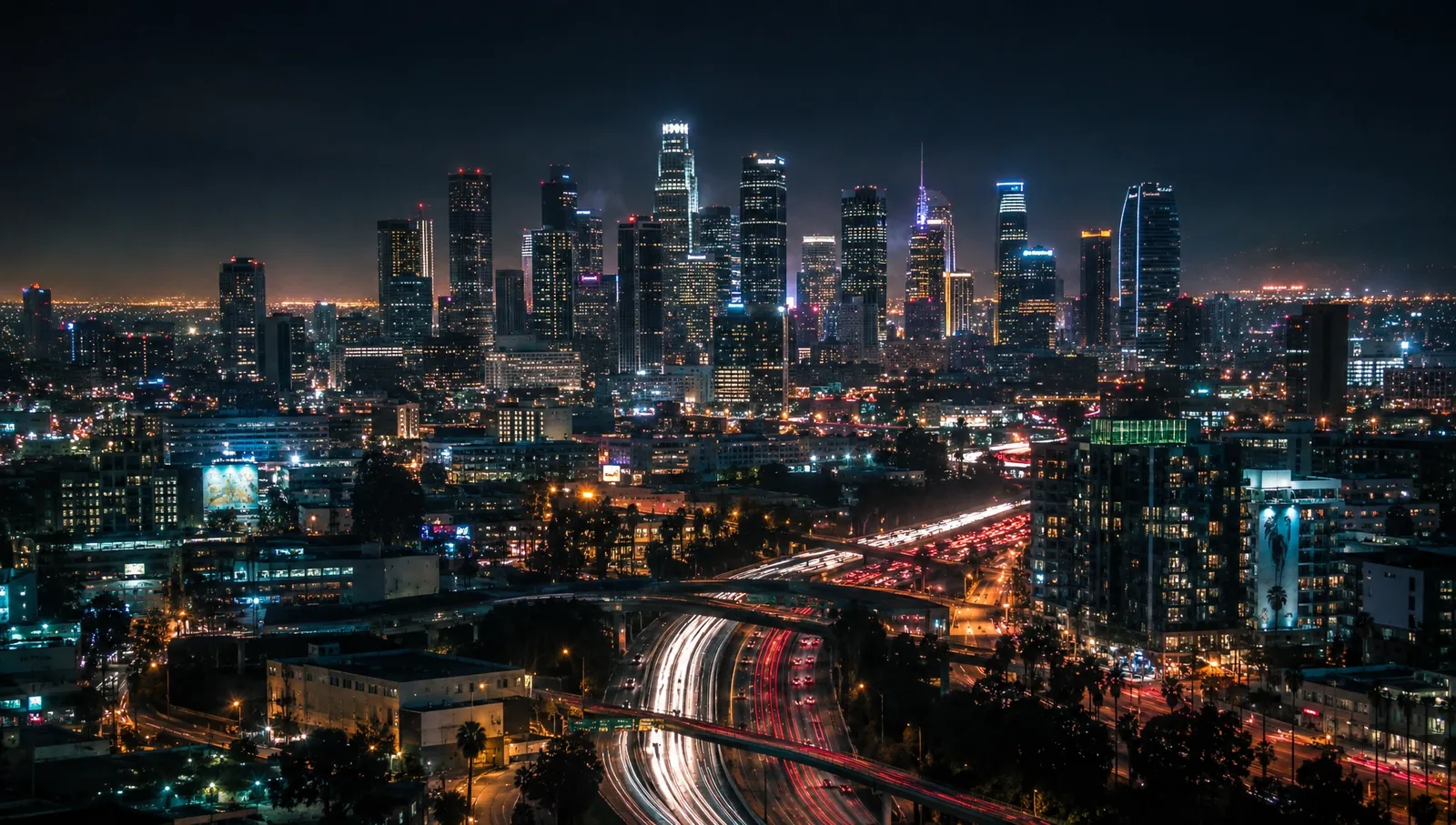
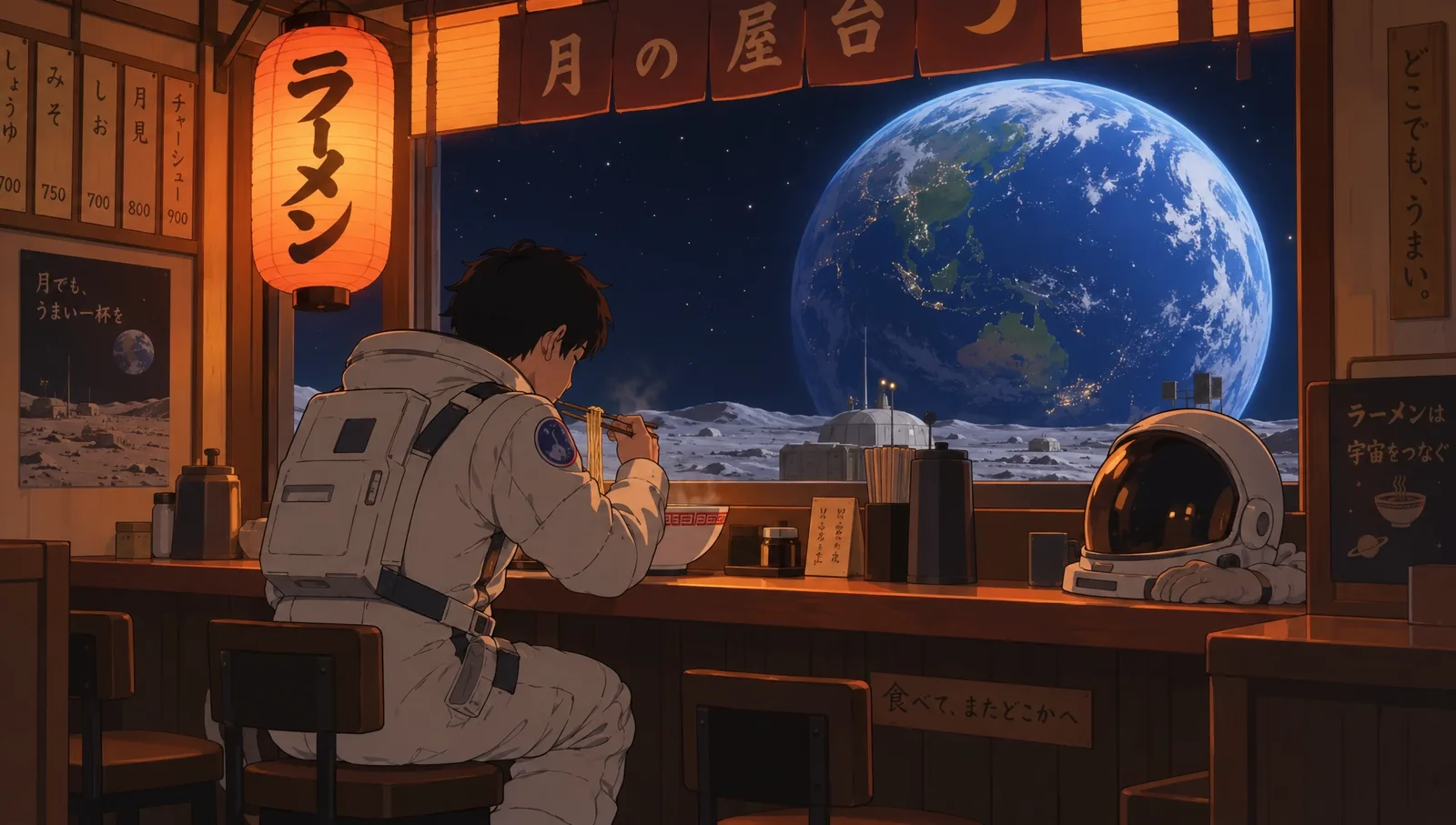
Glowing jellyfish over a night sky, in an anime style. Made in Risphai.A city at night with light trails. Made in Risphai.Ramen with a view of the Earth, in an anime style. Made in Risphai.
AI Image Editing
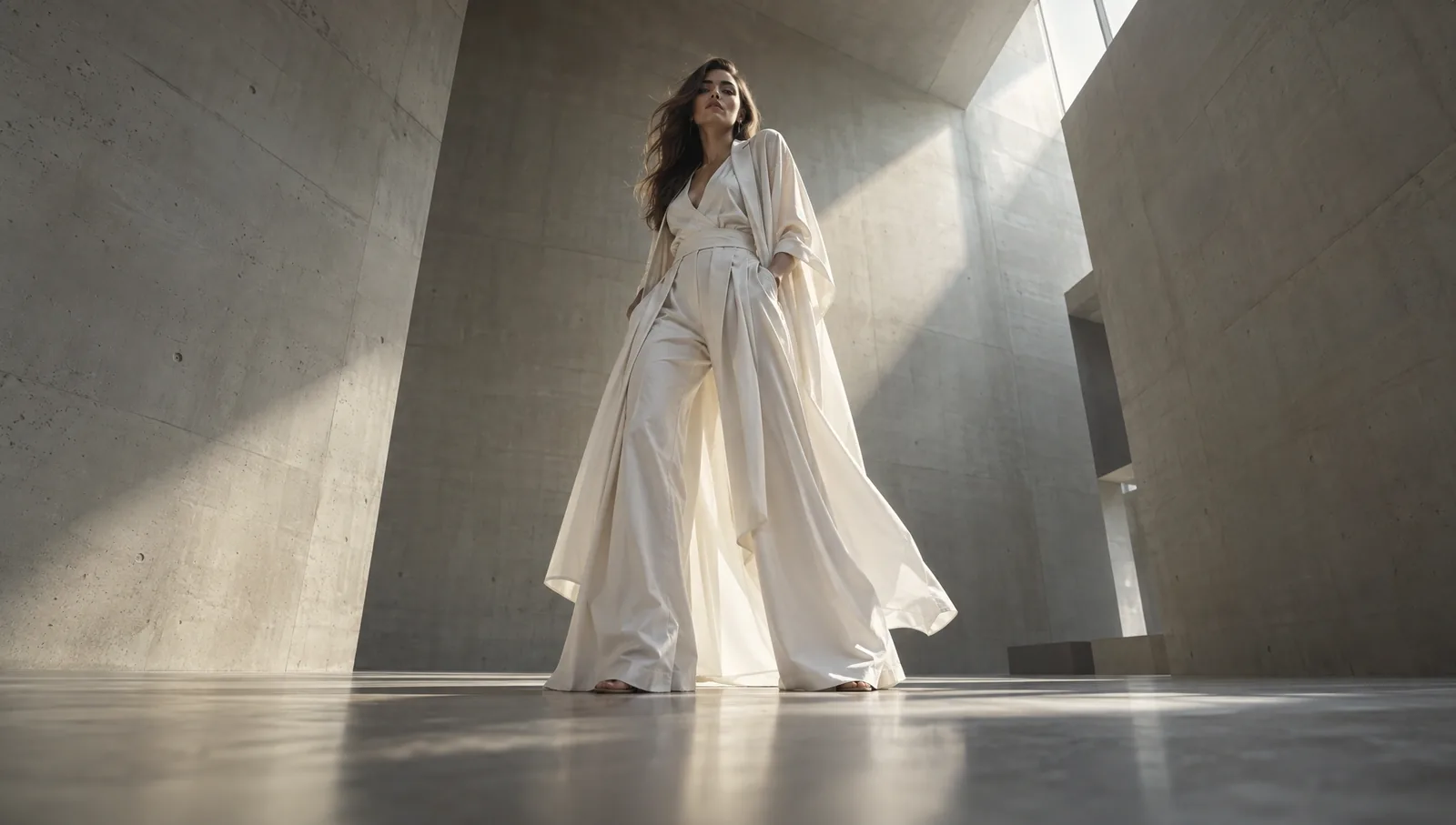
Already have a photo? Upload it with +, or use an image you just made, and describe the change. Swap the background, change the season, try a new outfit or turn a photo into a painting. Drag the slider to compare:
OriginalEdited
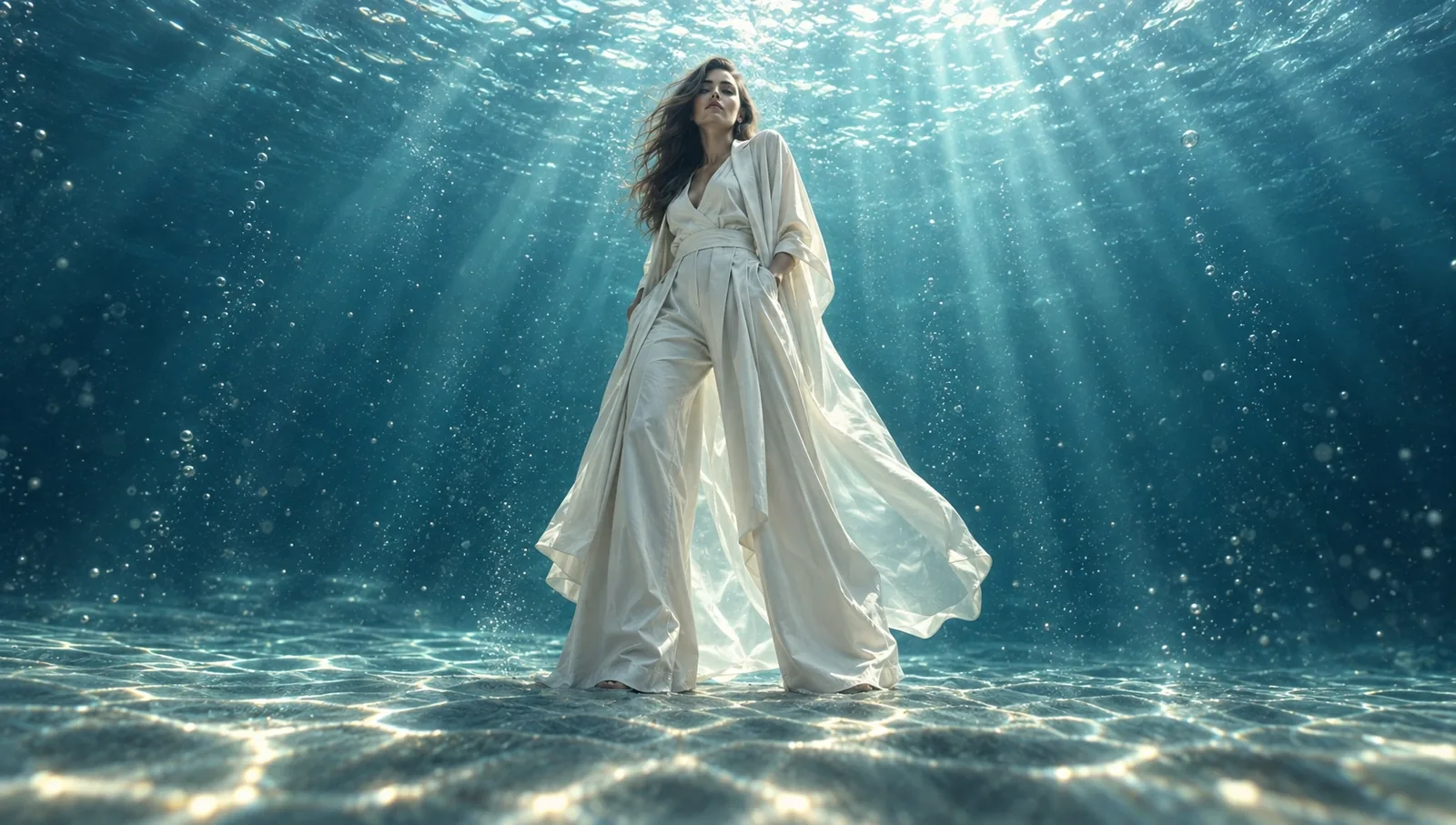
Same person, same pose, new scene: the concrete hall became the bottom of the ocean. Made in Risphai.
You can keep editing in the same chat, for example "Now make it sunset" or "Put her in a field of red poppies," until it looks the way you want.
AI Video Generator
Describe a scene, and Risphai makes a 5- to 15-second video in landscape, portrait or square. Some video models, like MiniMax H3 Max and Flux 3 Max, also create sound to match.
Made in Risphai
A deer in front of a forest fire, made from a text description in Risphai. Shown without sound.
The video models on Risphai:
MiniMax H3 Max and the faster, lower-cost MiniMax H3 Max Turbo.
The same prompt can look very different from one video model to the next. Risphai picks a video model for your quality preset, and on a paid plan you can choose the one whose look you like best.
Turn an Image Into a Video
Make an image first, then ask Risphai to animate it. The video keeps your starting frame, so you decide exactly how the shot begins.
Image
Video
Left: the image made in Risphai. Right: the video Risphai made from it, shown without sound.
Image
Video
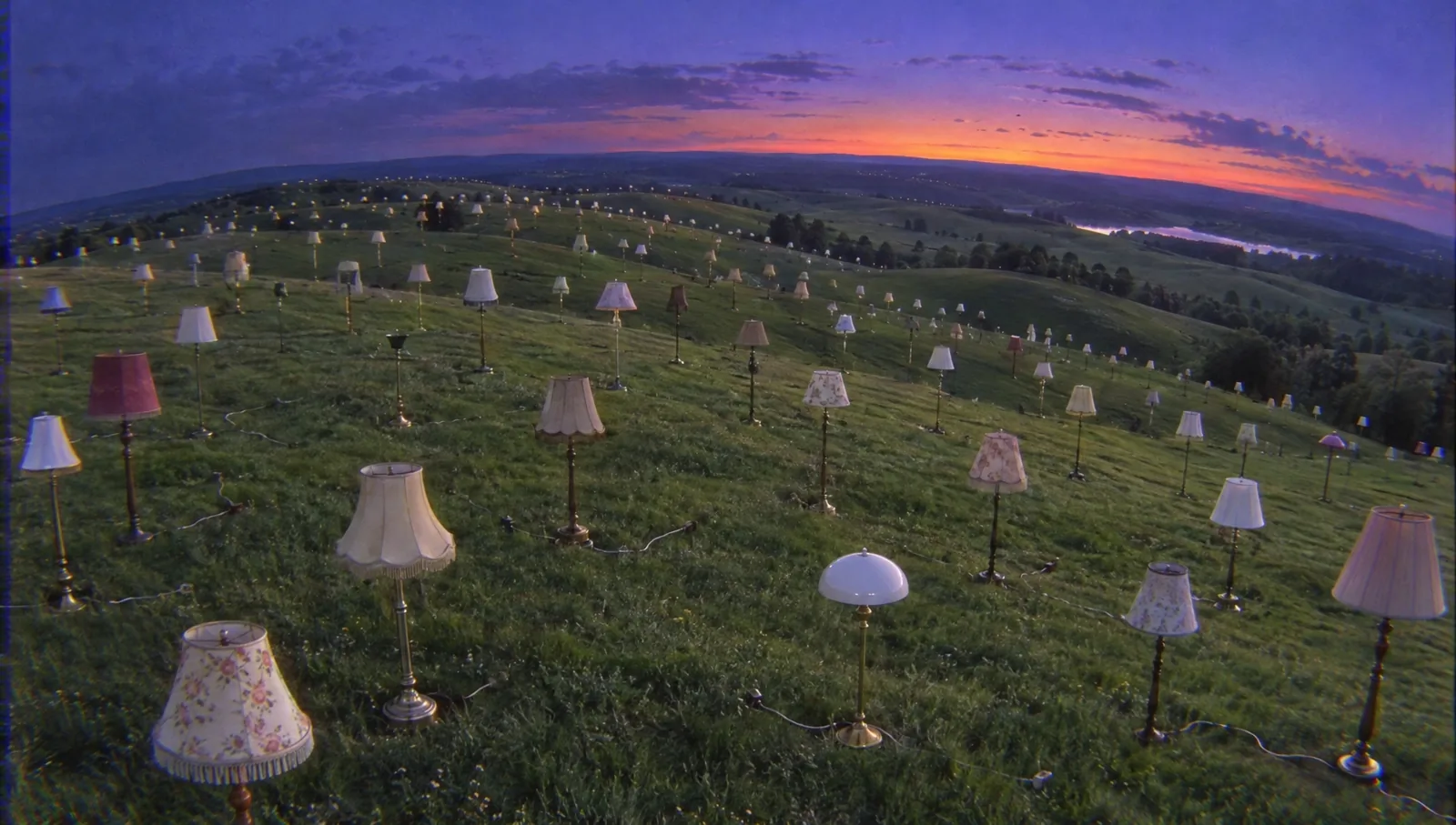
An image of vintage lamps on the hills at dusk, brought to life as a video in Risphai. Shown without sound.
AI Music and Sound Effects
Risphai can also make audio for your videos, your projects or just for fun:
Music with Lyria 3.5 by Google. Describe a genre, a mood or a whole song, and Risphai makes a track of about one or three minutes. Attach images, and the music matches their mood.
Sound effects with ElevenLabs SFX v3. Describe a sound, like "rain on a tin roof" or "a sports car accelerating," and get a clip of up to 30 seconds. Hear examples in AI Sound Effect Generator.
Try "Make an upbeat pop song about a summer road trip" or "The sound of waves crashing on rocks."
Why Create Media in Risphai?
One chat for everything. Write a script, make the images, animate them and add music without switching apps or copying prompts between tools.
The right model for each request. Risphai picks a suitable model for your request and quality preset, so you don't have to follow every new release.
No prompt engineering. Write the way you talk. Risphai adds the details each model needs.
One balance of credits. Images, videos, music and chat all use the same credits, and you see the exact credits after every response.
Your choice when you want it. On a paid plan, choose any image, video or audio model yourself in Advanced mode.
How to Get Started
Sign up for free. The Free plan includes 100 credits every month for chat and images.
Describe what you want. For example: "A cozy cabin in a snowy forest at night, warm light in the windows."
Edit or animate it. Ask for changes, or say "Turn this into a video" on a paid plan.
Upgrade when you need more. Choose a plan on the Pricing page for video, music, higher quality presets and more credits.
Pricing
Every plan uses credits. As rough averages for typical requests on the Balanced preset, including the processing charge:
Request
Typical credits
Image
~25 credits
Video
~110 credits
Song or sound effect
~50 credits
Plan
Credits
Media
Free
100 every month
Images and image editing
Lite
3,000 every month
Images, video, music and sound effects
Standard
7,500 every month
Images, video, music and sound effects
Premium
20,000 every month
Images, video, music and sound effects
Exact credits depend on the model, length, quality and settings. Longer videos and higher quality models use more. You can also buy Pay As You Go credits, which include video and audio generation and don't expire. Plan prices are on the Pricing page, and current model prices are on the Information page.
Prompts to Try
"A product photo of a perfume bottle on wet black stone, soft studio light."
"An anime-style girl on a rooftop at sunset, the city glowing below."
"Change the background of this photo to a beach at golden hour." (with a photo attached)
"A 10-second video of a surfer riding a wave at sunrise, filmed from the water."
"Make the clouds move and the grass sway in the wind." (with an image attached)
"A calm lo-fi track for studying, with soft piano and rain."
About These Examples
Every image and video in this article was made by AI in Risphai from a text description or an image. The people in them are AI-generated and not real. We only resized and compressed them for this page and didn't edit them otherwise. AI results vary from run to run, so your results will look different. GPT Image, Nano Banana, Gemini, Grok Imagine, Krea, Flux, MiniMax, Lyria and ElevenLabs are the names of their respective owners.
Start Creating
Images are included in the Free plan, so you can try Risphai's image generator today. When you're ready for video, music and the full range of models, choose a plan on the Pricing page.
Yes. In one chat, Risphai can create and edit images, turn text or an image into a video, make songs and create sound effects. You describe what you want, and Risphai picks a suitable model for the request.
Which AI image models can I use on Risphai?
Risphai includes GPT Image 2.6 by OpenAI, Nano Banana 2.1 by Google, Grok Imagine 2.0 by xAI, Krea 3 by Krea and Flux 3 by Black Forest Labs. Risphai picks one for you based on your quality preset, and on a paid plan you can choose a model yourself in Advanced mode.
Which AI video models can I use on Risphai?
Risphai includes MiniMax H3 Max, MiniMax H3 Max Turbo, Flux 3 Max, Gemini Omni Flash 1.2 by Google and Grok Imagine Video 1.5 by xAI. Video generation is available on paid plans and with Pay As You Go credits.
Is the AI image generator free?
Yes, you can start for free. The Free plan includes 100 credits every month for chat and image generation and uses the Cost Efficient preset. Choosing a specific image model, video generation and music generation need a paid plan or Pay As You Go credits.
Can I make AI videos for free on Risphai?
No. Video generation is available on the paid plans and with Pay As You Go credits. The Free plan covers chat and images. Plans and prices are on the Pricing page.
Can Risphai turn a photo into a video?
Yes. Attach an image with +, or use an image you just made in the chat, and describe how it should move. Videos are 5 to 15 seconds long.
Can Risphai edit my photos?
Yes. Upload a photo or use an image from the chat and describe the change, such as a new background, season, outfit or style. Risphai keeps the parts you didn't ask to change as closely as the model allows.
What kind of music and audio can Risphai make?
Risphai makes songs of about one or three minutes with Lyria 3.5 by Google and sound effects of up to 30 seconds with ElevenLabs SFX v3. You can also attach images, and Risphai makes music that matches their mood. Audio generation is available on paid plans and with Pay As You Go credits.
How much does AI image, video and music generation cost on Risphai?
As rough averages on the Balanced preset, an image uses about 25 credits, a video about 110 credits and a song or sound effect about 50 credits, including the processing charge. Exact credits depend on the model, length and settings, and you see the exact credits for every response. Current model prices are on the Information page.
Can I use the images and videos I make commercially?
Risphai doesn't claim ownership of what you create. Under the Terms and the terms of the underlying AI providers, you may use your creations for personal or commercial purposes. Results aren't guaranteed to be unique, and you are responsible for rights in any third-party material, likenesses or trademarks they contain.
Do I need to write a detailed prompt?
No. Describe what you want in plain words. Risphai adds the details the image, video or music model needs, and you can ask for changes afterwards in the same chat.
ai image generatorai video generatorai music generatorimage generationvideo generationaudio generationimage editinggpt image 2.5nano banana 2.1flux 3flux 3 maxminimaxkrea 3grok imaginelyria 3.5ai models