Gemini Omni Flash 1.2 Is Now on Risphai: Google's AI Video Model With Sound, for Fewer Credits
Gemini Omni Flash 1.2 by Google is now on Risphai. Make 720p AI videos with sound from text or an image, for fewer credits than 1.1. See examples and pricing.
By Risphai·Updated
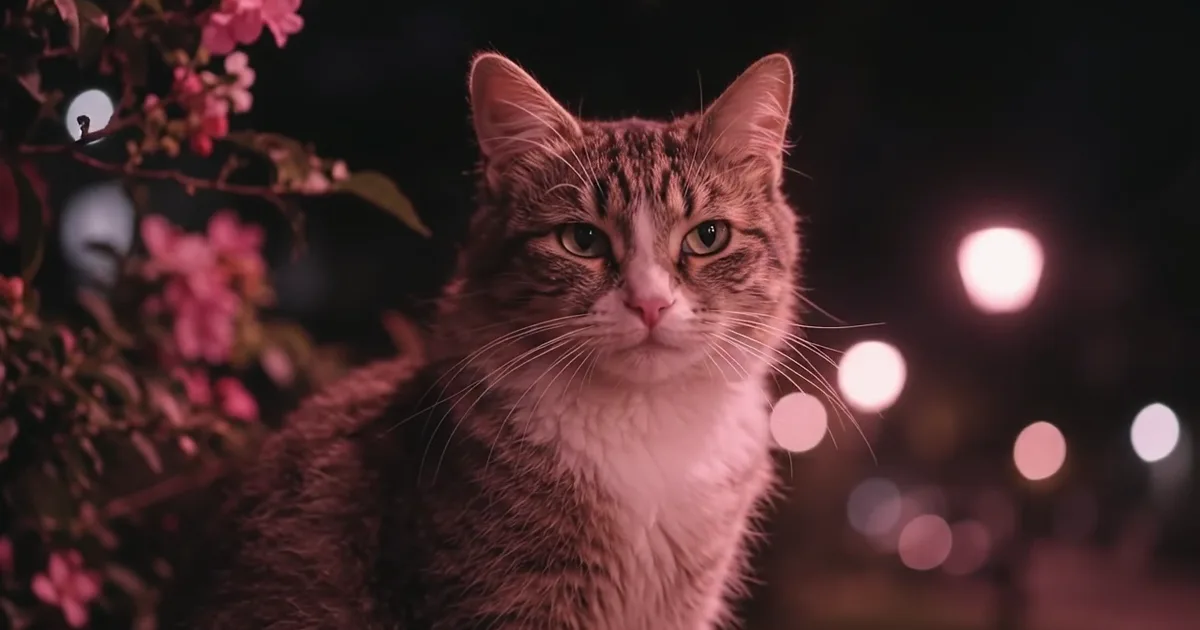
A still from a video made with Gemini Omni Flash 1.2 on Risphai. Watch the clip below.
Gemini Omni Flash 1.2 is now on Risphai. It's the latest version of Google's AI video model: describe a scene or attach an image, and you get a video with sound. And it now uses fewer credits than 1.1.
Google released Gemini Omni Flash 1.2 as the successor to 1.1 and lowered its price. We've switched Risphai over, so every Omni Flash video is now made with 1.2 and you pay less for the same video. If you had Gemini Omni Flash 1.1 selected, you don't need to change anything.
See Gemini Omni Flash 1.2 in Action
We made both videos below with Gemini Omni Flash 1.2 on Risphai, and both came with sound.
Gemini Omni Flash 1.2
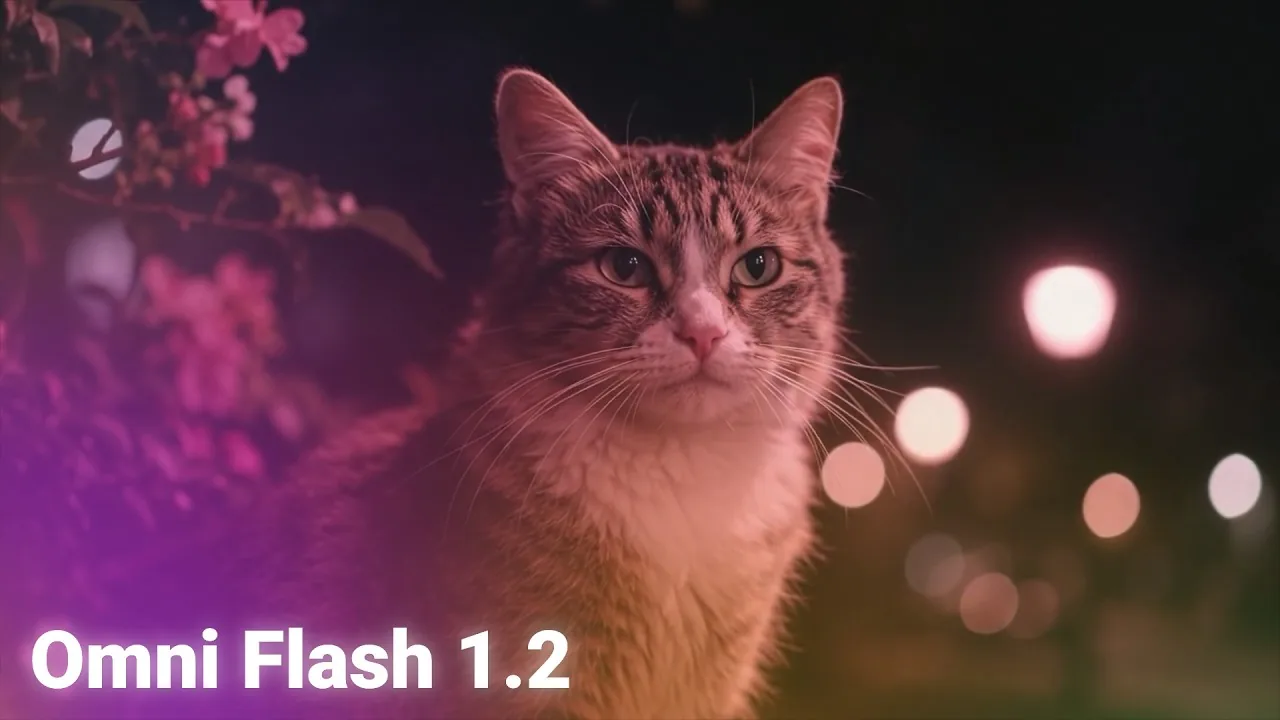
A tabby cat under pink blossoms at night. Made with Gemini Omni Flash 1.2.
Look at the details: the single hairs of the cat's fur and whiskers, the pink blossoms in front and the street lights softly blurred in the background, like a photo taken with a real camera lens.
Gemini Omni Flash 1.2
A woman on a dark beach looking at a glowing pier. Made with Gemini Omni Flash 1.2.
In the beach clip, the neon colors of the Ferris wheel reflect in the wet sand and the waves, while she looks out at the pier and the waves roll in.
What You Can Do With Gemini Omni Flash 1.2
Turn words into video. Describe a scene in a sentence, and get a short video with sound.
Bring a photo to life. Attach a photo or an image you made with + and say how it should move.
Get sound with every video. Omni Flash 1.2 creates the sound together with the picture, with no extra step.
Choose the shape. Landscape (16:9) for YouTube and presentations, or portrait (9:16) for Reels, TikTok and Shorts.
Pick the length. From 5 to 10 seconds on Risphai.
You Ask, Risphai Handles the Rest
You don't need a separate video app or a perfect prompt. Just ask in the chat, the same way you'd ask a question.
Risphai sees that you want a video and sends your request to the right video model. Choose Gemini Omni Flash 1.2 in Advanced mode, and Risphai uses it for your videos.
Risphai rewrites your prompt into a detailed video prompt, adding the setting, lighting, camera framing and motion. This is called prompt optimization, and it's how a short request like "a cat under pink blossoms at night" becomes a detailed, cinematic shot.
If your request needs something else, like a square video or a video longer than 10 seconds, Risphai automatically switches to another video model that can make it, and shows you which model it used.
Want your exact words to be used instead? Add "Use my prompt exactly" to your message.
Turn on Advanced mode in the chat box settings and pick Gemini Omni Flash 1.2 as your video model.
Describe your video, like "A 10-second video of a lighthouse on a cliff during a storm at night."
Or animate an image. Attach it with + and describe the motion, like "Make the waves crash and the clouds move."
You can ask for changes afterwards, like "make it portrait" or "make it 10 seconds", and Risphai makes a new version.
Gemini Omni Flash 1.2 Pricing
Google lowered the price with Omni Flash 1.2, and Risphai passes that on to you. A 5-second video now uses up to ~30% fewer credits than with 1.1.
Video
Gemini Omni Flash 1.1
Gemini Omni Flash 1.2
5 seconds
~250 credits
~175 to ~205 credits
10 seconds
~500 credits
~350 to ~410 credits
The exact amount depends on the request, and a small processing charge is added to every response. You always see the exact credits used. Current model prices are on the Information page.
Which Plan Do You Need?
Plan
Credits every month
Five-second Omni Flash 1.2 videos
Free
100
Not included
Lite
3,000
~14 to ~17
Standard
7,500
~36 to ~42
Premium
20,000
~97 to ~114
The video counts assume you use your credits only for videos. Your credits also work for chat, research, images and music, so you can mix them however you like. Prices and plan details are on the Pricing page, and you can also buy credits with Pay As You Go.
Prompts to Try
"A fox walking through fresh snow in a quiet forest at dawn, its breath visible in the cold air."
"A barista pouring latte art in a cozy café, rain running down the window behind her."
"A vintage car driving along a coastal road at sunset, filmed from a drone."
"A street musician playing saxophone under a bridge at night, warm light on his face."
"Slowly move closer while her hair blows in the wind." (with a photo attached)
About These Videos
Both clips on this page were made with Gemini Omni Flash 1.2 on Risphai, from text prompts. The cat and the woman are AI-generated and not real. We trimmed each clip to a single shot and compressed it for this page, without any other edits. Results vary from prompt to prompt, so your videos won't look exactly like these. Google, Gemini and Gemini Omni are trademarks of Google LLC. Risphai is an independent service and is not affiliated with or endorsed by Google.
Try Gemini Omni Flash 1.2
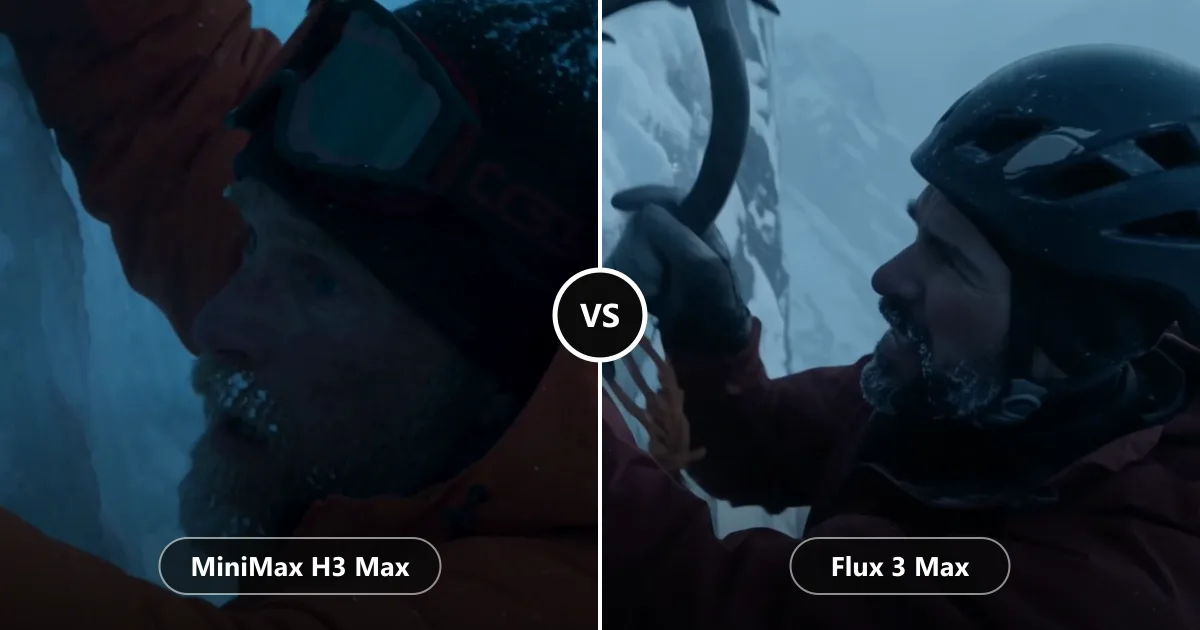
Describe a scene, attach an image if you like, and let Gemini Omni Flash 1.2 bring it to life with sound, for fewer credits than before. Choose a plan on the Pricing page to get started. Want to compare more video models? Read MiniMax H3 Max vs Flux 3 Max or see everything Risphai can create in AI Image, Video and Music Generator. Everything new in this release is in the v0.1.11 release notes.
Gemini Omni Flash 1.2 is the latest version of Google's Gemini Omni Flash video model. It makes short videos with sound from a description or an image. Google released it as the successor to Gemini Omni Flash 1.1, at a lower price.
Is Gemini Omni Flash 1.2 available on Risphai?
Yes. As of November 6, 2026, Gemini Omni Flash 1.2 is available on Risphai's paid plans. It replaces Gemini Omni Flash 1.1, so if you had 1.1 selected, Risphai now uses 1.2 for you.
What changed from Gemini Omni Flash 1.1 to 1.2?
The biggest change for you is the price. Google lowered the price of Omni Flash 1.2, and on Risphai a 5-second video now uses ~175 to ~205 credits instead of ~250 with 1.1. Google also says requests to 1.1 will move to 1.2 automatically on December 3, 2026.
Do Gemini Omni Flash 1.2 videos have sound?
Yes. Gemini Omni Flash 1.2 creates the sound together with the picture. The examples on this page start muted because browsers only autoplay videos without sound. Press the speaker button on a clip to hear it.
Can Gemini Omni Flash 1.2 turn a photo into a video?
Yes. Attach a photo or an image you made with + and describe how it should move. Risphai sends the image to Gemini Omni Flash 1.2 together with your description.
How long can a Gemini Omni Flash 1.2 video be on Risphai?
On Risphai, Gemini Omni Flash 1.2 makes 720p videos from 5 to 10 seconds long, in landscape (16:9) or portrait (9:16). If you ask for a square video or one longer than 10 seconds, Risphai automatically uses another video model that supports it and shows you which model made your video.
How much does Gemini Omni Flash 1.2 cost on Risphai?
A 5-second video uses ~175 to ~205 credits and a 10-second video ~350 to ~410 credits. A small processing charge is added to every response, and you always see the exact credits used. Plans include 3,000 to 20,000 credits every month.
Can I use Gemini Omni Flash 1.2 for free?
No. Video creation is part of the paid plans and Pay As You Go. The Free plan includes 100 credits every month for chat and images. To make videos with Gemini Omni Flash 1.2, choose a plan on the Pricing page.
Do I need to write a detailed prompt for Gemini Omni Flash 1.2?
No. Describe your video in your own words, like "a cat sitting under pink blossoms at night". Risphai rewrites your request into a detailed video prompt with the setting, lighting, camera and motion before it goes to Gemini Omni Flash 1.2. If you want your exact words to be used, say "Use my prompt exactly."
Is Gemini Omni Flash an alternative to Google Veo?
Google's AI Studio documentation says the Veo 3.1 Preview models were shut down on October 22, 2026, and recommends Gemini Omni Flash instead. If you're looking for Google's current video model, Gemini Omni Flash 1.2 is it, and you can use it on Risphai.
gemini omni flash 1.2gemini omni flashomni flash 1.2gemini omni 1.2google ai video generatorai video generatorai video with soundtext to videoimage to videoveo alternative